MDF vs IDF: Main Distribution Frames Guide
If you are planning a building network, two acronyms will keep coming up: MDF and IDF. Main distribution frames (MDF) and intermediate distribution frames (IDF) are not competing products — they are two layers of the same distribution architecture. The MDF is the single central point where external services enter the building and core equipment lives; IDFs are smaller points on each floor or zone that extend connectivity to end devices within the 100-meter reach of copper cabling. This guide explains what goes in each frame, how they connect over a fiber backbone, and how to decide what your building actually needs.
MDF vs IDF at a Glance
The table below summarizes the practical differences. The short version: the MDF is the root of the network, and the IDFs are the branches that reach users.
Dimension | MDF (Main Distribution Frame) | IDF (Intermediate Distribution Frame) |
|---|---|---|
Location | Ground-floor telecom room or entry point, near the MPOE | One per floor, wing, or zone |
Role | Central hub: terminates external services, hosts core equipment | Distributes connectivity to end-user devices in its zone |
Core equipment | Core router, core switch, firewall, main patch panel, UPS | Access switch, PoE switch, patch panel, local UPS |
Cabling | Connects to ISP/WAN services and to every IDF | Horizontal cabling to workstations, phones, APs |
Size | Largest telecom space in the building | Small closet or cabinet |
Security | Highest: restricted access, often 24/7 monitoring | Locked, access restricted to zone staff |
Redundancy | Dual power, often dual uplinks and backup links | Single uplink to the MDF is typical |
Both frames exist for the same reason: copper cabling carries data reliably for 100 meters and not much farther. Instead of running every drop back to one giant room, you distribute the network through IDFs — and that keeps each horizontal run inside the copper limit. The whole hierarchy is a standard part of enterprise structured cabling design.
What Are Main Distribution Frames (MDF)?
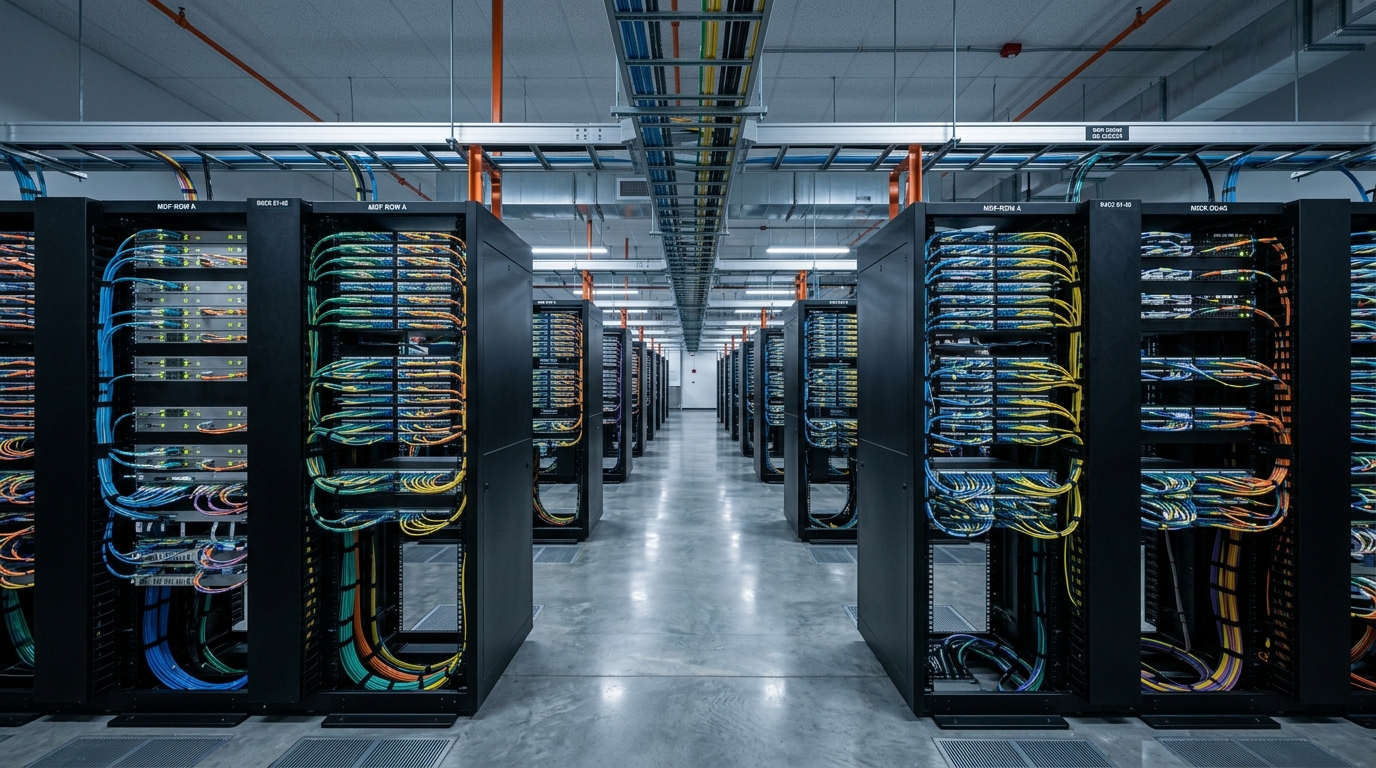
A main distribution frame is the central connection point of a building's network — the place where the outside world meets the inside network. In telephony history, an MDF was a physical steel frame where every subscriber line was terminated and cross-connected by hand; Wikipedia's article on the main distribution frame still describes that world. In modern enterprise networking, the name survived but the hardware changed: the "frame" is now a telecom room or rack system holding active and passive equipment.
Three things make an MDF different from any other room:
- It sits at the demarcation point. The minimum point of entry (MPOE) — where the ISP or carrier brings the circuit into the building — lands here. The MDF is the first place inside the building where you can patch, test, and manage that service.
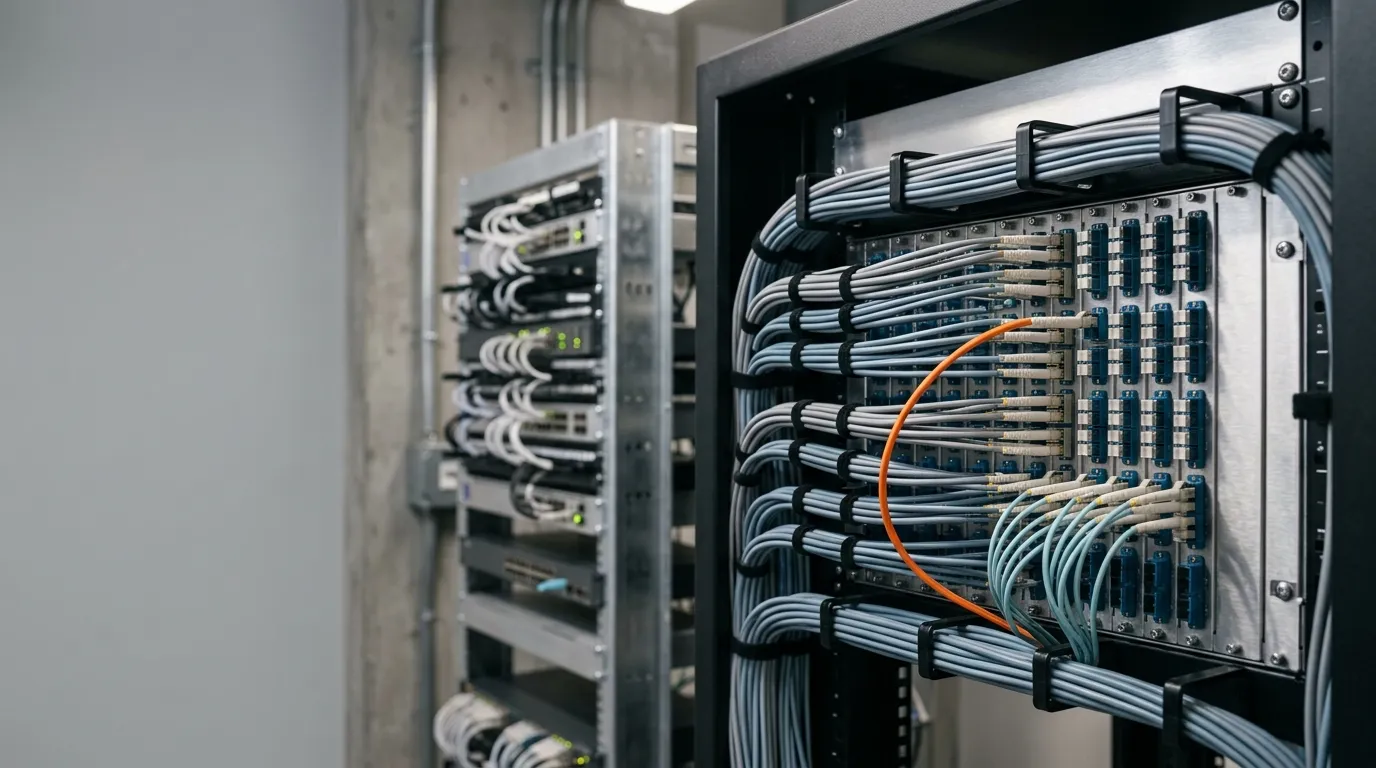
- It hosts the core of the network. Core routers, core switches, firewalls, and the main patch panels that organize backbone cabling live in the MDF. This is also where fiber optic patch panels terminate the backbone links to every IDF.
- Everything eventually connects back to it. Whether a device is on floor 1 or floor 12, its traffic path runs through an IDF and then the MDF.
Because the MDF concentrates the whole network, it gets the strongest physical and environmental protections: restricted access control, uninterruptible power, cooling, and fire protection. Industry guidance from organizations like BICSI treats the MDF (or "equipment room") as the most protected space in the cabling design.
What Is an Intermediate Distribution Frame (IDF)?
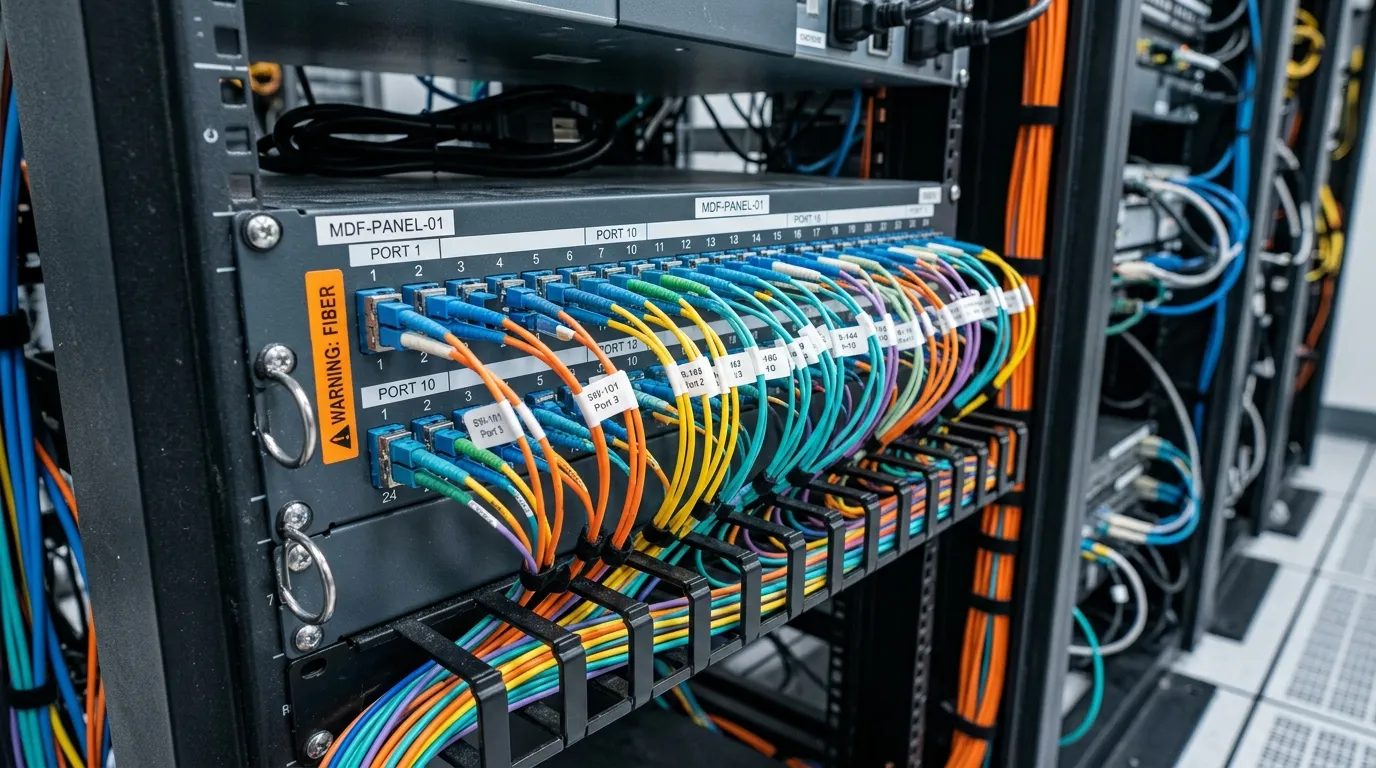
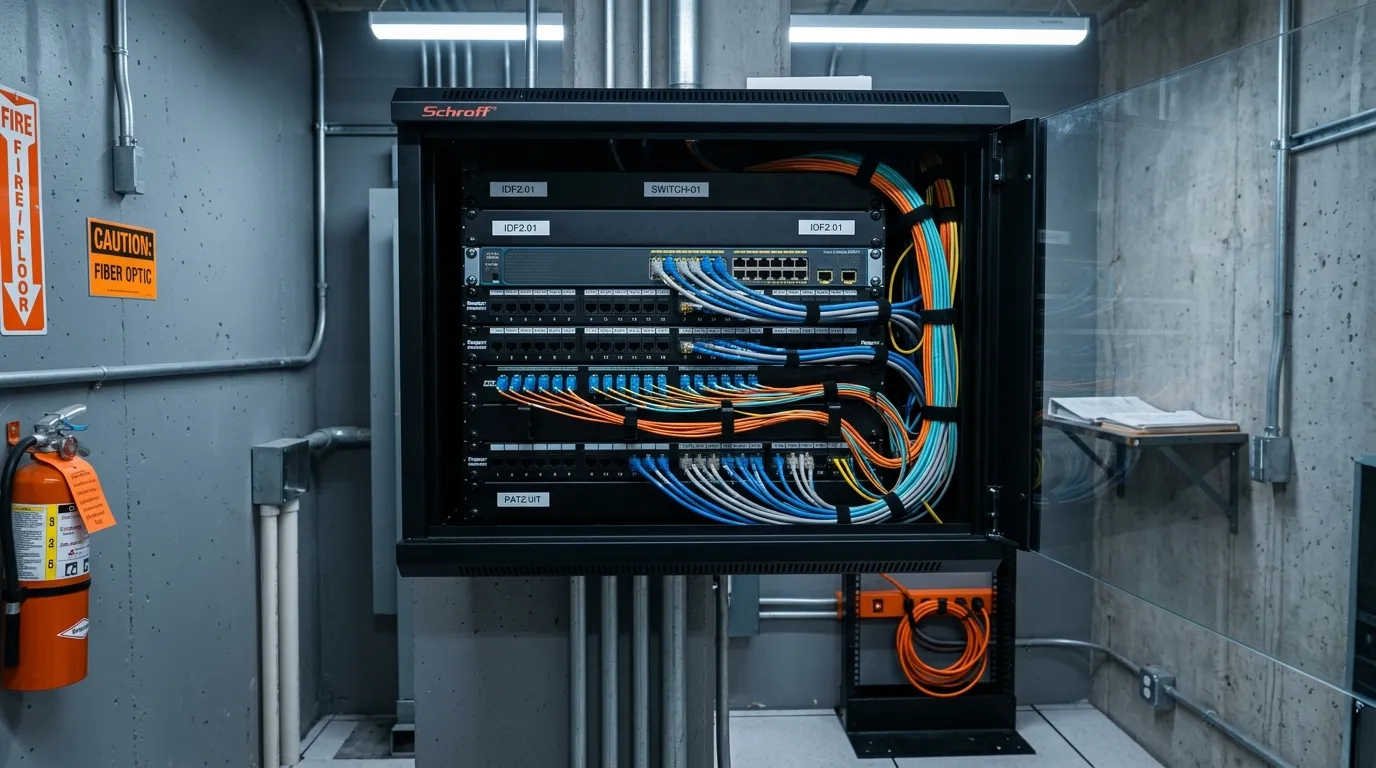
An intermediate distribution frame is a smaller distribution point that extends the network from the MDF into a specific floor, wing, or zone. Its job is to put switching capacity physically close to end users — inside the 100-meter copper reach — instead of running long cables from a central room.
An IDF typically holds:
- An access switch (or PoE switch for IP phones and wireless access points)
- Patch panels that organize horizontal cabling to desks, offices, and conference rooms
- A small UPS for graceful shutdown or short ride-through
- Space for the fiber termination that connects the IDF back to the MDF
The intermediate distribution frame concept comes from the same telephony heritage as the MDF: a frame where incoming circuits are terminated and distributed onward. In a modern building, the "frame" is usually a locked closet or a wall-mount cabinet — but the function is unchanged. An IDF receives connectivity from the MDF and distributes it locally, so end devices stay within a short, predictable cable run.
MDF vs IDF: The Key Differences
Beyond location, five differences decide how you plan, budget, and secure each space.
Function. The MDF terminates external services and interconnects the whole network; an IDF only distributes locally. If the MDF is the brain, the IDF is the nerve ending.
Equipment scale. The MDF carries core routers, Layer 3 switches, firewalls, and the main distribution patch panels — equipment that costs more and handles more traffic. An IDF carries access-layer switches. The practical tell: if you unplug the MDF, the entire building goes dark; if you unplug one IDF, only its floor does.
Cabling role. The MDF manages backbone cabling (links to IDFs and, in larger designs, to other buildings). The IDF manages horizontal cabling — the runs from the closet to workstations, phones, and access points. Backbone links are almost always fiber; horizontal links are usually copper (Cat 6 or Cat 6A) because they stay under 100 meters.
Security and environment. Because the MDF is the single point of failure for the whole site, it gets redundant power, stricter access control, and often environmental monitoring. IDFs get basic protection: a lock, adequate ventilation, and enough power for a small switch stack.
Redundancy expectations. Production networks typically design the MDF with redundant switches, dual power feeds, and sometimes dual uplinks. IDFs usually have a single uplink to the MDF — redundancy at the IDF level is a budget decision, not a default.
One common question is how MDF and IDF switches differ. The short answer: MDF switches are core switches with high throughput and routing capability; IDF switches are access switches focused on port density and PoE. The distinction matters when you size licensing, power, and cooling.
How MDF and IDF Connect: The Fiber Backbone
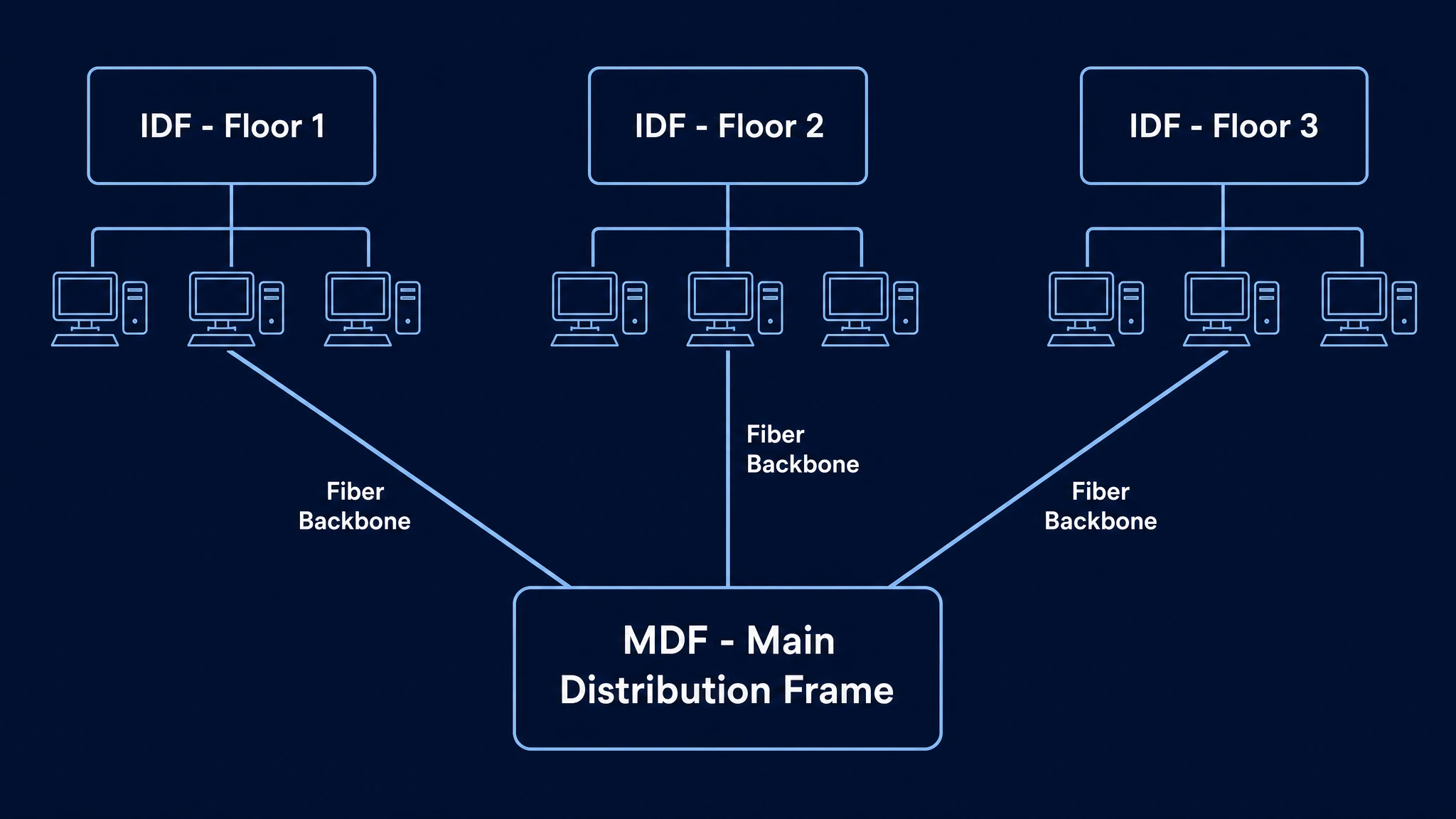
The MDF and every IDF are wired in a star topology: each IDF has a dedicated backbone link directly to the MDF. No IDF passes traffic for another IDF, which keeps failure domains small and makes troubleshooting predictable.
That backbone is almost always fiber optic cabling, for three reasons:
- Distance. A 10 GbE link over copper is limited to roughly 55 meters (Cat 6) to 100 meters (Cat 6A). Over fiber, multimode links run hundreds of meters and single-mode links run kilometers. In any building taller than a couple of floors, fiber is the only practical choice for the backbone.
- Bandwidth headroom. Backbone links carry aggregated traffic for the whole floor. Where 1 GbE or 10 GbE is common today, 40G and 100G links are routine in larger deployments — and fiber supports those rates on the same cable plant.
- Immunity and longevity. Fiber is immune to electromagnetic interference, and a well-designed backbone can outlive several generations of active equipment.
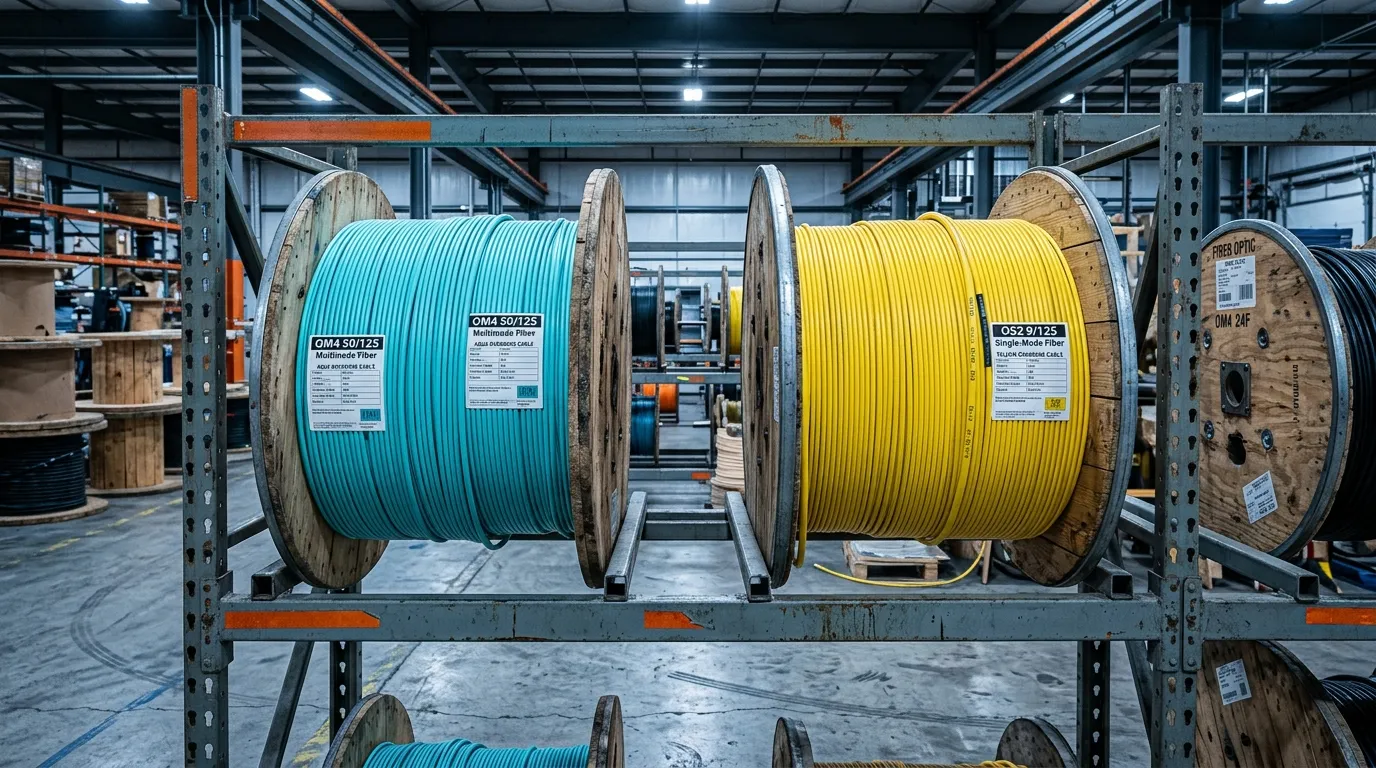
The fiber type matters. Multimode (OM3, OM4) is the standard choice for in-building backbones: it is cost-effective at the distances and speeds of a typical building, and OM4 supports 100G over short reaches with MPO connectors. Single-mode (OS2) becomes attractive for long building runs, campus links, or when you want maximum headroom. The trade-offs are covered in depth in our guide to single-mode vs multimode fiber and the breakdown of OS2 vs OM4 vs OM5.
The backbone cabling itself — the indoor fiber optic cable that runs from the MDF up the risers to each IDF — is specified under the same generic cabling standards that govern the rest of the plant, notably ISO/IEC 11801. Plan for at least 30-50% spare fibers on every backbone link: replacing a backbone cable after the building is finished costs far more than the fiber itself.
MDF vs IDF vs BDF: The Three-Tier Hierarchy
In a single building, two tiers (MDF + IDFs) are enough. Add more buildings — a campus, a hospital complex, a warehouse park — and you need a third tier: the building distribution frame (BDF).
A BDF sits between the site-level MDF and the building-level IDFs. Each building gets its own BDF, and the IDFs inside that building connect to their BDF rather than running all the way back to the central MDF. The BDF aggregates the building's traffic and carries it over a campus backbone to the MDF. It is the same hierarchical idea one level up, and it is what keeps campus cable runs inside manageable distances.
The three tiers map cleanly onto the standards: TIA's cabling standards describe the equipment room (MDF), the telecommunications room (IDF), and the campus backbone that connects buildings — the role the BDF plays. If you are designing for a single building, you can skip the BDF entirely; if you are planning a campus, put it in from day one. Our campus fiber network design guide walks through the full multi-building topology.
Do You Need an IDF? A Quick Decision Guide
The honest answer is: it depends on the size and shape of the building.
Small building, one floor, under ~1,000 m² (10,000 ft²). A single telecom room may be enough. Put the MDF in a central spot, run horizontal cabling directly to workstations, and skip IDFs. Total cable runs stay under 100 meters, and you save the cost of an extra room and switch stack.
Multi-story building, or a single floor larger than the copper reach. Add one IDF per floor — or per zone if a floor is very large. The rule of thumb: any area where the farthest workstation is more than ~90 meters of cable from the MDF gets its own IDF. This is also where IoT devices change the math: every sensor, camera, and access point adds a drop, so plan IDF capacity for growth, not just today's headcount.
Campus or multi-building site. Use the three-tier design: site MDF, one BDF per building, IDFs inside each building. Never run horizontal cabling between buildings — that is what the campus backbone is for.
A note on "both or nothing." An IDF without an MDF does not exist in a functioning design — the IDF's entire purpose is to extend the MDF. A small network can live with an MDF alone, but every network needs exactly one MDF. If you find yourself planning two "main" rooms, you are really planning an MDF plus a BDF, or an MDF plus an IDF.
MDF and IDF Room Design Best Practices
The rooms matter as much as the equipment in them. These are the design rules that prevent most field problems:
- Size for growth. TIA-569's space standards provide the planning framework; a common industry heuristic allocates roughly one 19-inch rack unit per 10 m² (100 ft²) of served area, with 30% rack space left free. Under-sized telecom rooms are the most common retrofit headache.
- Power and UPS. The MDF gets a dedicated circuit and a UPS sized to hold core equipment through a power event. IDFs get a local UPS — at minimum enough to shut down switches cleanly.
- Cooling. Equipment generates heat in a locked room with no windows. Keep IDF closets ventilated; the MDF usually needs active cooling. Overheating causes flaky optics and premature switch failures.
- Access control. Restrict MDF access to network staff; use card access and keep a log. IDF closets get locked doors and a key register. Every open closet is a security and cable-tampering risk.
- Labeling and documentation. Follow TIA-606-style labeling: every patch panel port, cable, and outlet gets a unique identifier, and records are kept current. A labeled IDF saves hours per troubleshooting event; an unlabeled one turns every outage into a hunt.
- Fire-rated construction. Where codes require it, use fire-rated walls and doors for telecom rooms, and use plenum-rated or riser-rated cable (OFNP/OFNR or CMP/CMR) in the appropriate spaces. Cable fire ratings are part of the cabling standards, and inspectors do check.
- Grounding and bonding. Bond racks, cabinets, and cable trays to the building's telecommunications grounding system — a floating rack turns into an antenna for transients.
A structured approach to these details is exactly what Fluke Networks' cabling standards primer covers from the testing side: rooms that follow the standards are rooms that certify on the first try.
MDF vs IDF: FAQs
What is the difference between IDF and MDF? The MDF is the building's central distribution point where external services enter and core equipment lives. The IDF is a smaller distribution point that extends connectivity from the MDF to a specific floor or zone, keeping copper runs under 100 meters.
What is an MDF in networking? In networking, an MDF (main distribution frame) is the main telecom room of a building: the demarcation point for carrier services, the home of core routers and switches, and the root of the star topology that connects all IDFs.
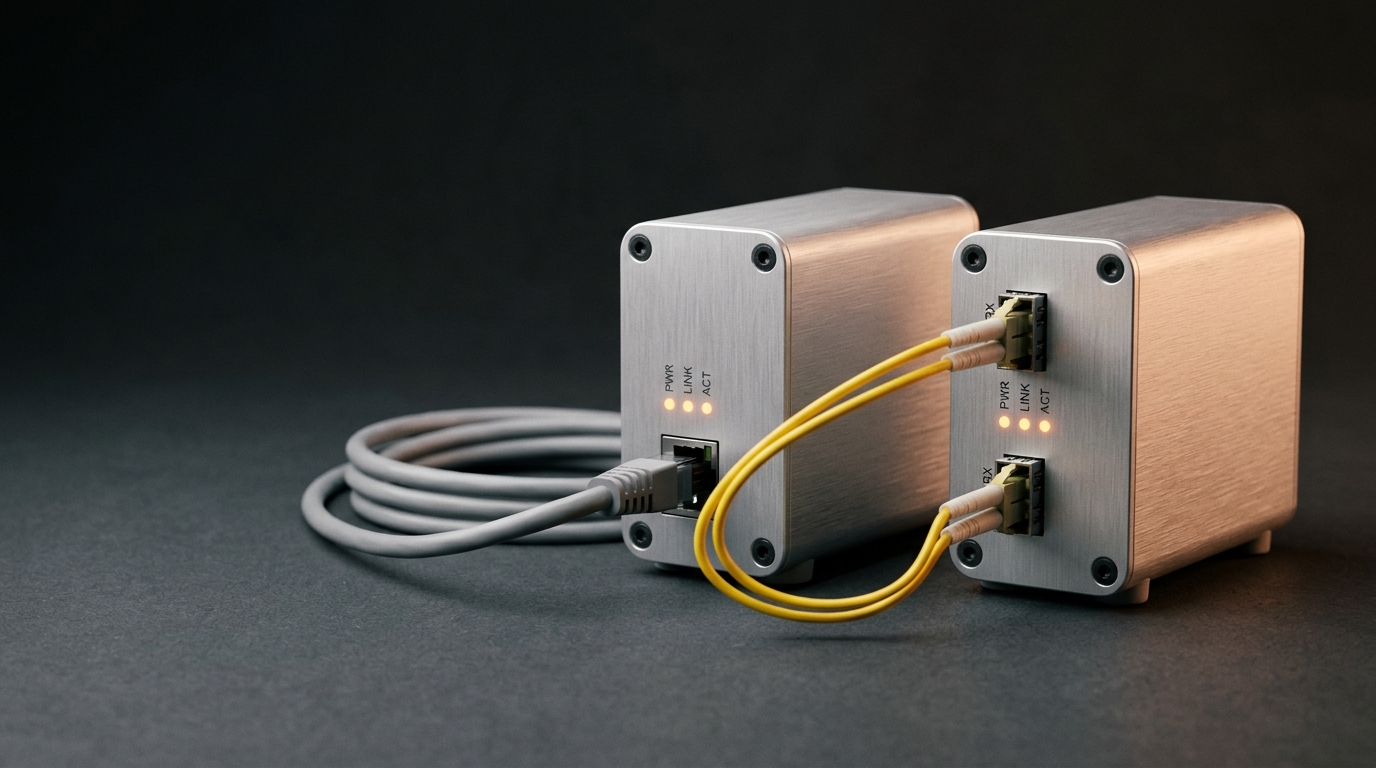
What is an IDF in fiber? In fiber terms, an IDF is the fiber termination point on each floor or zone. The fiber backbone from the MDF terminates at the IDF's patch panel, where it is cross-connected to the access switches serving that floor.
What is the difference between MDF and IDF switches? MDF switches are core switches — high-throughput, routing-capable, and often redundant. IDF switches are access switches — port-dense, PoE-capable, and focused on connecting end devices in their zone.
Does every building need both an MDF and an IDF? No. Every building needs exactly one MDF. IDFs are needed only when horizontal copper runs would exceed ~90-100 meters — typically in multi-story or very large single-floor buildings.
Bottom Line
Design the distribution hierarchy to fit the building, not the other way around. A single-floor office gets an MDF and direct horizontal runs. A tower gets an MDF plus one IDF per floor, connected by a fiber backbone sized for growth. A campus gets the full three-tier structure: site MDF, per-building BDFs, and floor IDFs.
Get the MDF right — demarcation, core equipment, power, and security — and the rest of the network has a solid root. Get the fiber backbone right — the right fiber type, enough spare fibers, clean termination — and you will not touch it again for decades. If you are specifying backbone fiber or patch panels for an MDF-IDF design and want a second pair of eyes on the bill of materials, talk to our engineers — that is the part of the project where a manufacturer's input saves the most money.