Fiber vs Cat6 for Enterprise Networks
Fiber wins on distance, bandwidth, and electromagnetic immunity. Cat6 and Cat6a win on the access layer — because that is where powered devices live. For an enterprise LAN the useful question is not "which medium is better" but "which layer gets which medium." The answer most campus and in-building designs land on: fiber for the backbone and riser, copper for horizontal runs to desks, access points, cameras, and phones, with fiber to the desk reserved for the cases that actually justify it. This guide compares the two on the limits that decide real designs — standards-based reach, power delivery, cost structure, and topology — and tells you plainly where each one is the wrong choice.
One housekeeping note: this article is written for enterprise networks. If you are deciding what to run inside a house, the constraints are different (one tenant, short runs, consumer routers) and the answer is usually simpler.
Fiber vs Cat6 Is an Enterprise LAN Question — Start Here
Search results for this comparison mix two audiences. Several of them assume a homeowner wondering whether to pull fiber behind the drywall; others assume an IT team laying out a campus. The advice diverges enough that the confusion is worth clearing up front.
On an enterprise LAN you are buying against a specification. Cabling is a long-lived asset that is awkward and expensive to replace once a building is occupied: it has to pass certification testing, and it has to support whatever the network does after the next two hardware refreshes. Two constraints shape almost every decision: how far the link has to reach, and whether the device at the far end needs power. Everything else is a consequence.
For context on how these decisions fit together across a whole building, the structured cabling guide walks through the topology from entrance facility to work area.
Disclosure, since it matters for how you read this: TTI Fiber manufactures fiber optic cable. The copper side of this comparison is built from published standards rather than preference, and the section on where copper is the better answer is as long as the one on where fiber is.
What You're Actually Choosing Between: Cat6 and Fiber Standards
Cat6 and Cat6a are categories inside the ANSI/TIA-568 family of standards, which also defines the hierarchy of cross-connects, horizontal cabling, and work areas used in commercial buildings. Cat6 is specified to 250 MHz; Cat6a to 500 MHz with tighter alien crosstalk limits. Internationally, ISO/IEC 11801 maps the same cables to channel classes — Cat6 lands at Class E, Cat6a at Class E-A. Terminations are 8P8C (RJ45) connectors, punched down to the T568A or T568B pinout.
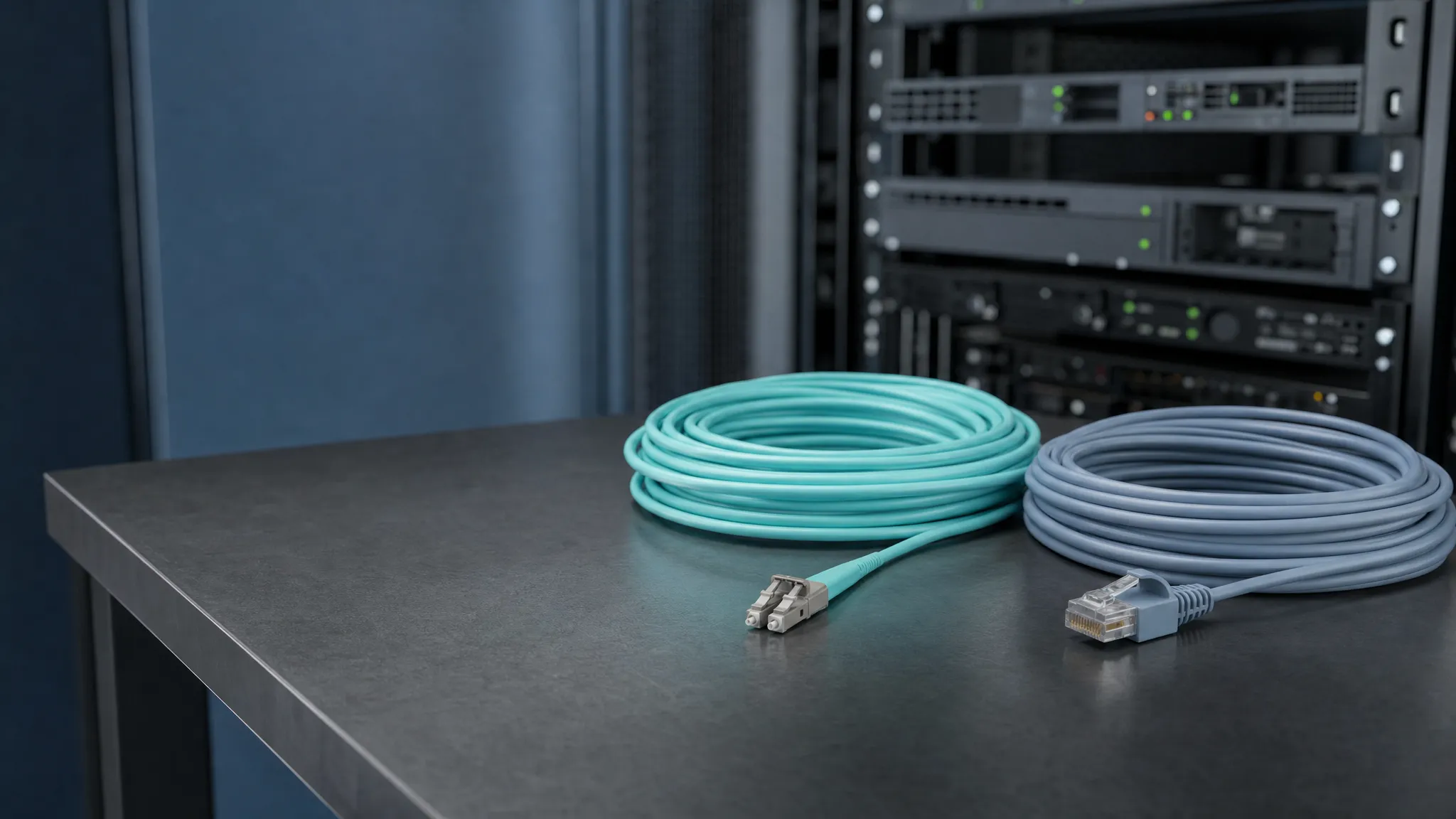
Fiber splits differently. Inside a building you are usually choosing between multimode (OM3, OM4 — aqua jacket, laser-optimized 50 µm core) and single-mode (OS2 — yellow jacket, much smaller core). Connectors are typically LC duplex or MPO, and every link needs a transceiver at each end to convert between the switch's electrical side and light. Optical fiber connector types are worth understanding before you specify patch panels, because the connector interface is what determines how many ports fit in a rack unit.
One practical consequence: copper and fiber terminate with completely different tooling and different skill sets. If a copper-certified installer is doing the work, that is a real cost input to the decision, not a footnote.
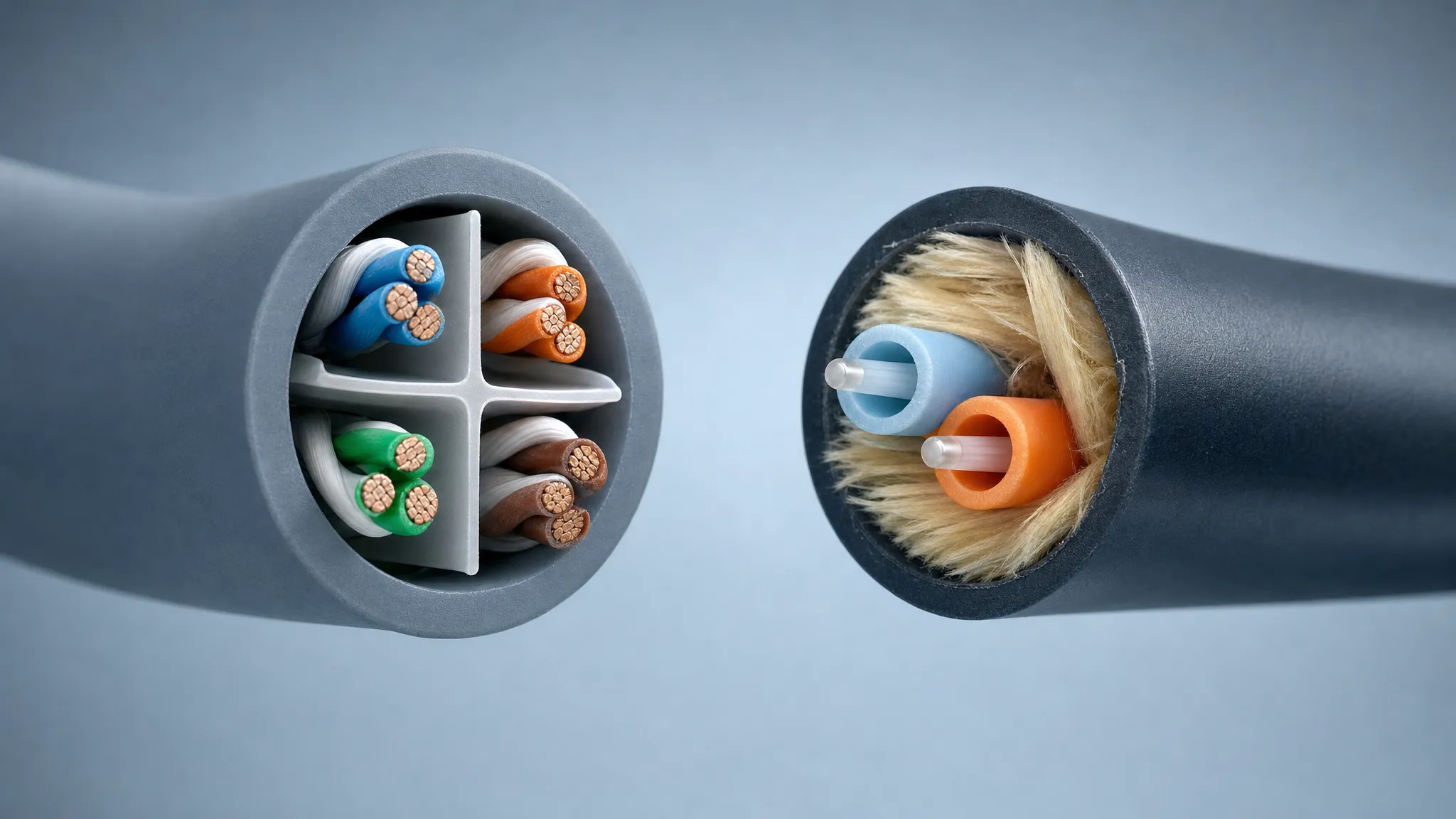
Both carry Ethernet. One carries current as well as data — which is why the constructions and the failure modes differ.
Distance and Bandwidth Limits That Decide Your Design
Reach is where the two media separate first, and it is also where most published comparisons get sloppy. The figures below come from IEEE 802.3 and the TIA/ISO cabling standards, and each linked reference points at the clause-level detail.
Dimension | Copper twisted pair (Cat6 / Cat6a / Cat8) | Multimode fiber (OM3 / OM4) | Single-mode fiber (OS2) |
|---|---|---|---|
1 GbE reach | 100 m | 550 m | 10 km+ |
2.5G / 5GBASE-T | 100 m | — | — |
10GBASE-T | Cat6: 55 m · Cat6a: 100 m | 10GBASE-SR: 300 m (OM3) / 400 m (OM4) | 10GBASE-LR: 10 km |
40G / 100G | 40GBASE-T over Cat8: 30 m | 40G/100G to ~100–150 m (OM4/OM5) | 40G/100GBASE-LR4: 10 km · 40GBASE-ER4: 40 km |
Practical ceiling | 10 GbE on twisted pair | 100 GbE in-building | 400G+ with DWDM |
The reference points behind those rows are IEEE 802.3 itself, which now carries the 10GBASE-T amendment as Clause 55, and the 10GBASE-T specification, where Cat6a is named as the 100 m cable rating.
Three details in that table decide projects.
Cat6 is not a 100 m 10-gigabit cable. Cat6 hits 100 m at 1 GbE, but 10GBASE-T over Cat6 is specified to 55 m; the 100 m figure belongs to Cat6a. If your horizontal run is a typical 90 m permanent link, Cat6 cannot carry 10GBASE-T to the far end — this is the single most expensive specification error in the category, and the sources that do mention it tend to quote a range rather than the cable grade that fixes it.
2.5G and 5GBASE-T change the economics of staying on copper. The 2.5G/5GBASE-T standards (IEEE 802.3bz) run 2.5 and 5 Gb/s over Cat5e or Cat6 to the full 100 m. That gives a Wi-Fi 6 or Wi-Fi 7 access point a multi-gigabit uplink on cable you may already have installed — without touching Cat6a or fiber.
The horizontal channel budget is 100 m total. Under TIA practice that is 90 m of permanent link plus up to 10 m of patch cords. If a design needs more than 90 m of installed horizontal cable, the answer is an intermediate distribution frame or a fiber run — not a longer copper run. That budget is the reason campus designs look the way they do; the campus fiber network design guide works through the layout.
Power over Ethernet: The Constraint Fiber Can't Cover
Here is the gap in almost every fiber-versus-copper article: a light pulse does not power a device.
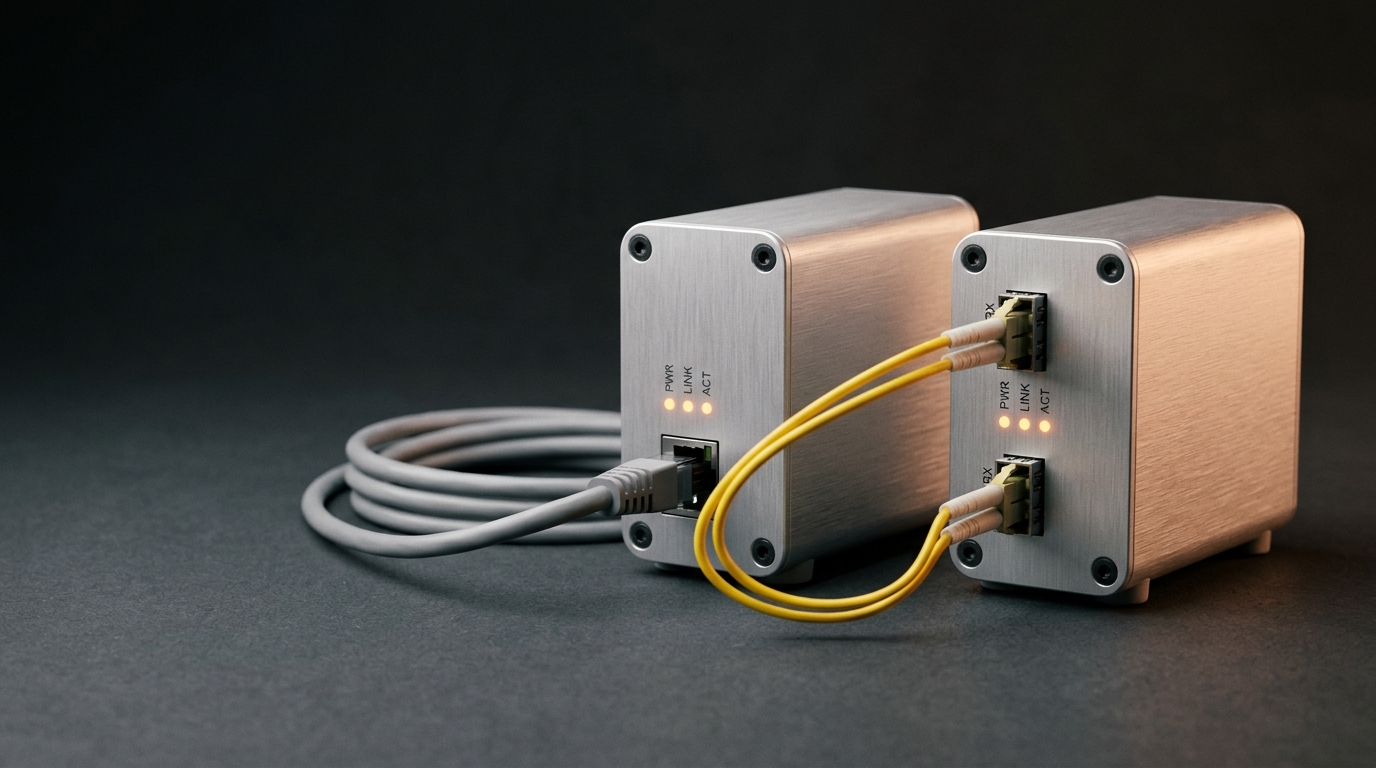
Power over Ethernet carries DC power on the same twisted pairs as data. As the PoE standards overview sets out, the four classes run from Type 1 (802.3af: 12.95 W at the powered device, from a 15.4 W power-sourcing port) through Type 2 (802.3at: 25.5 W at the device, 30 W at the port) to Types 3 and 4 (802.3bt: 51 W and 71.3 W at the device, from 60 W and 90 W ports). Budget from the port figure rather than the device figure — cable loss accounts for the difference. Those classes cover wireless access points, PTZ cameras, IP phones, access control, and increasingly lighting controllers. Even where PoE is not used, most access-layer endpoints still present an RJ45 port, so a fiber-to-the-desk design needs a media converter or a switch with optics at the far end — which means an electrical device in the ceiling or the wall box anyway.
There is a port-level nuance that matters more than it sounds. PoE itself runs happily over 10GBASE-T — the coupling is the same transformer centre-tap arrangement used on every twisted-pair standard — so the physical layer is not the problem. The constraint is the port you buy: many installed 10GBASE-T ports never implemented power delivery, while the multi-gigabit ports that PoE access points are designed around usually did. If you are planning a powered uplink for a high-density access point, 2.5GBASE-T or 5GBASE-T over Cat5e or Cat6 gets you bandwidth and power on one cable with far cheaper ports; if the design genuinely needs 10GBASE-T at the endpoint, verify the switch port's PoE capability in the datasheet before you count on it.
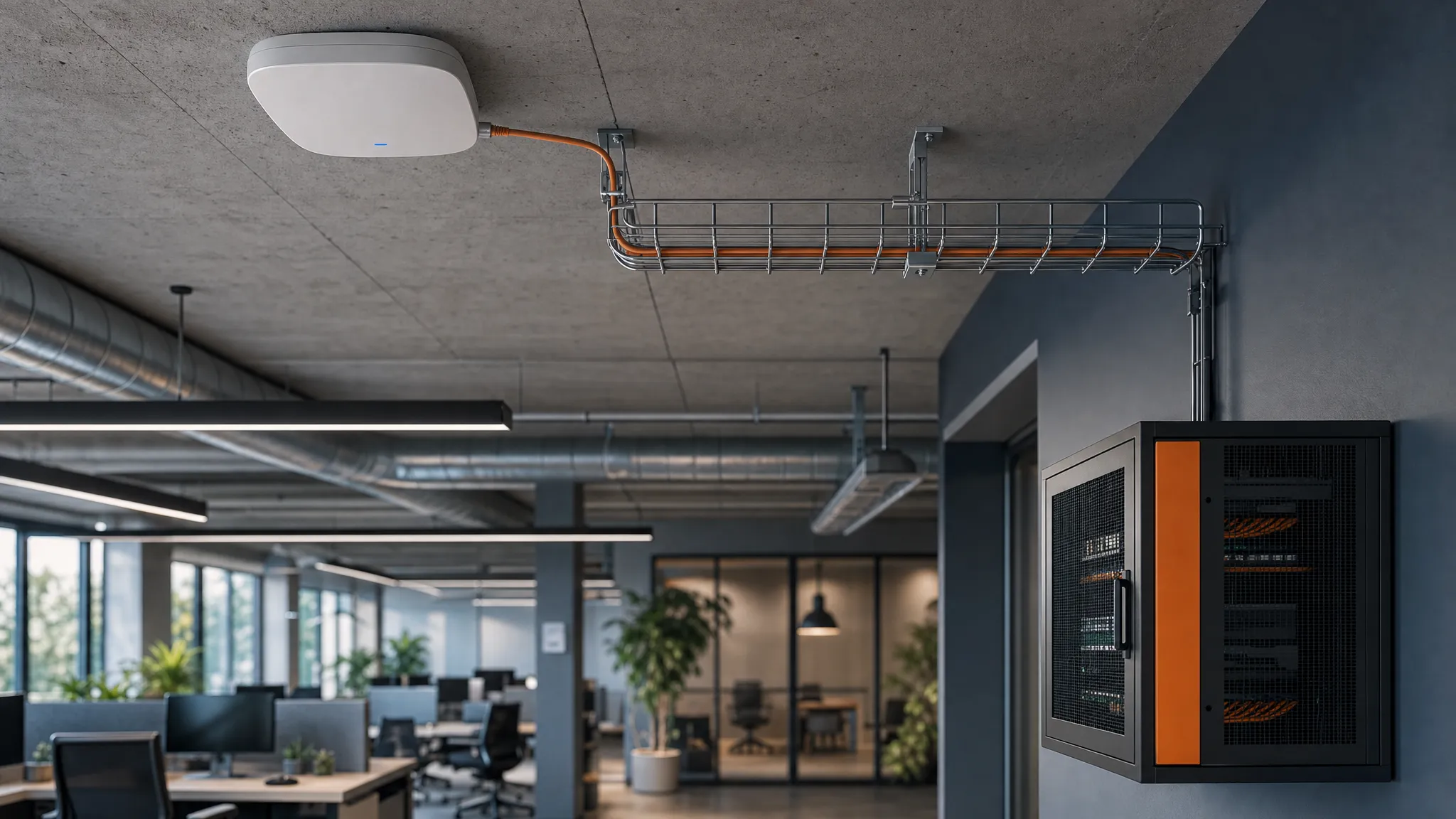
The access layer is where copper keeps earning its place: one cable supplies data and power to each device.
EMI, Grounding, and Latency: Where Fiber Genuinely Wins
Fiber's structural advantage is that it carries light, not current. Copper pairs are susceptible to electromagnetic interference from power distribution, motors, VFDs, and adjacent cables; the mitigation is shielding, separation, and grounding — each of which costs money and introduces its own failure modes. Fiber is inherently immune, and being dielectric it also breaks ground loops between buildings and floors. On sites with heavy electrical noise, that alone can settle the argument. Industrial runs and substations are the obvious cases, and there is a dedicated guide to industrial fiber optic cable for those environments.
Latency deserves an honest note, because it is routinely oversold. Light in glass and electrical signals in copper propagate at comparable fractions of the speed of light — the difference is small enough to be invisible inside a 100 m channel. Fiber's latency advantage appears over long distances, where copper cannot run at all, or where a copper link's error correction and retransmissions add delay under load. If your application is real-time control inside a single building, latency is not the reason to choose fiber; immunity and reach are.
Cost and TCO: Cable, Optics, Termination, and Testing
Cable price per meter is the worst possible basis for this decision, because cable is rarely the largest line item. The cost structure looks like this:
- Copper: cable is cheap, connectors and jacks are cheap, the tooling is common, and switches with RJ45 ports are the default. The premium is in the cable category: Cat6a costs more than Cat6, is bulkier to route, and needs careful handling of alien crosstalk. Counterfeit or copper-clad aluminium cable is also a live problem: the Cat6 specification requires pure copper conductors, and non-compliant cable turns up often enough that testing incoming reels is worth the time.
- Fiber: cable itself can be inexpensive, and pre-terminated assemblies remove most field labor. The money moves to transceivers (one per link end), patch panels and cassettes, splicing or pre-terminated trunks, and certification testing with an optical loss test set. On switches, 10GBASE-T ports have historically carried a price premium over lower-speed copper ports, which is part of why multi-gigabit copper held on as long as it has.
- The fiber handling trade-off: minimum bend radius, connector end-face cleanliness, and pull tension are real constraints, and a careless pull can damage a fiber link in ways a copper cable shrugs off. Pre-terminated assemblies move most of that risk into the factory and cut the field-splice labor line — which is why they dominate in-building fiber projects — but connector inspection and cleaning still belong in the budget either way.
- Both: pathway and labor usually dominate the total. A design that saves cable cost but adds a splicing crew has not saved anything.
The honest summary is that the cost comparison depends on your BOM: how many links, how long, what speed, what test regime. Price both options for the actual bill of materials before deciding, and treat any single percentage you read online as indicative at best.
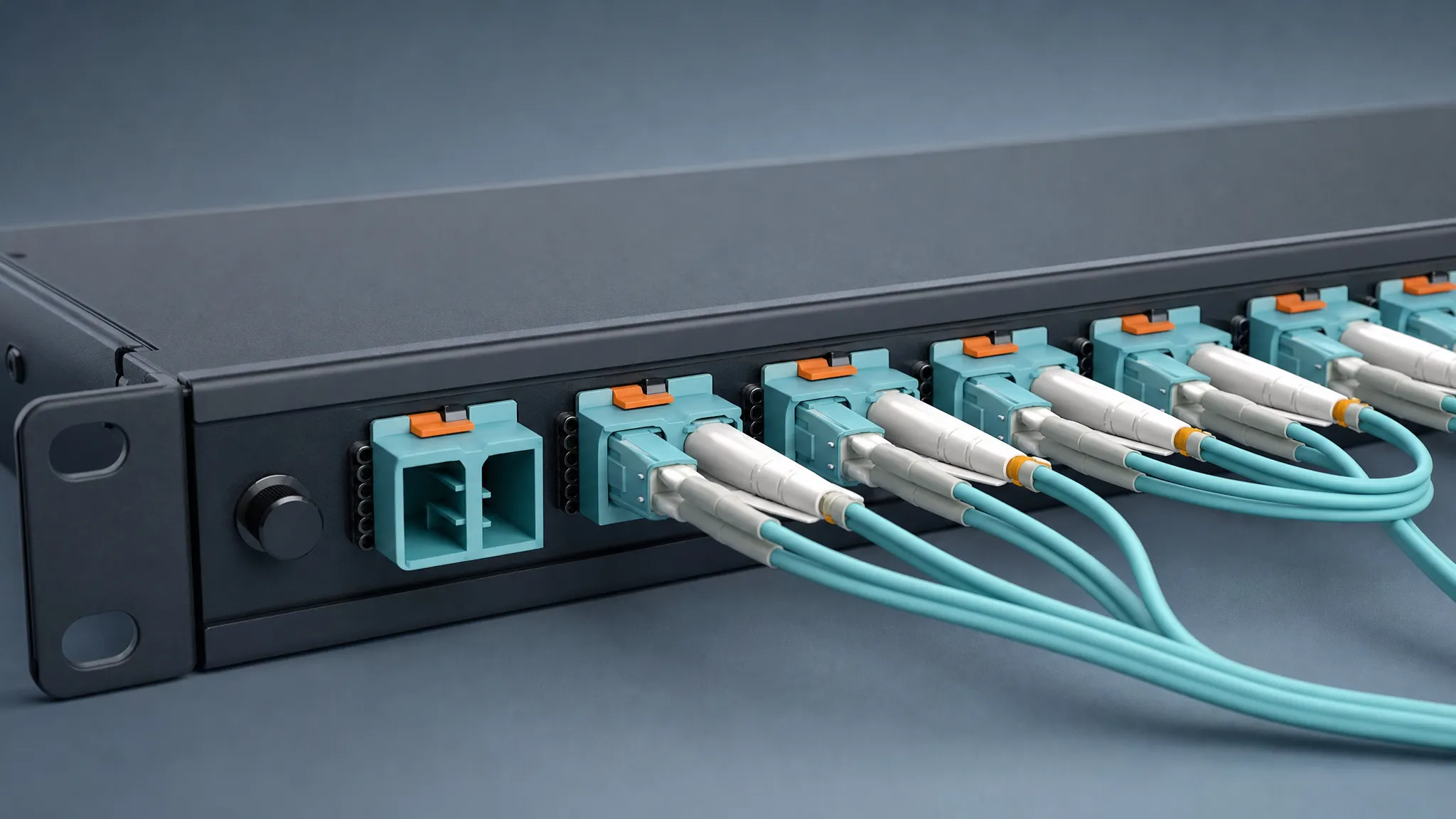
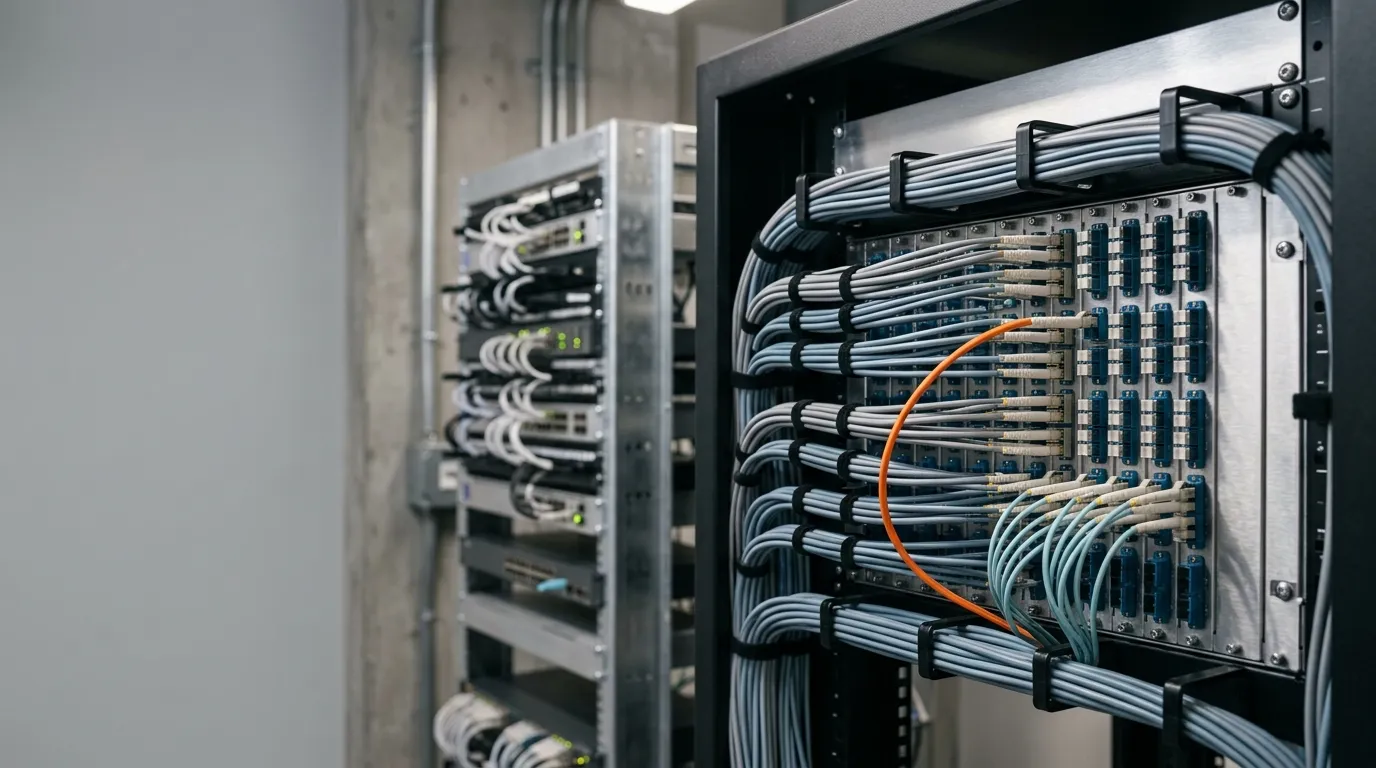
Much of the fiber-side cost lives at the rack rather than in the cable: panels, adapters, patch cords, and the test gear that certifies them.
The Architecture Most Enterprises Land On: Fiber Backbone, Copper Access
Put the distance, bandwidth, and power facts together and the standard architecture falls out.
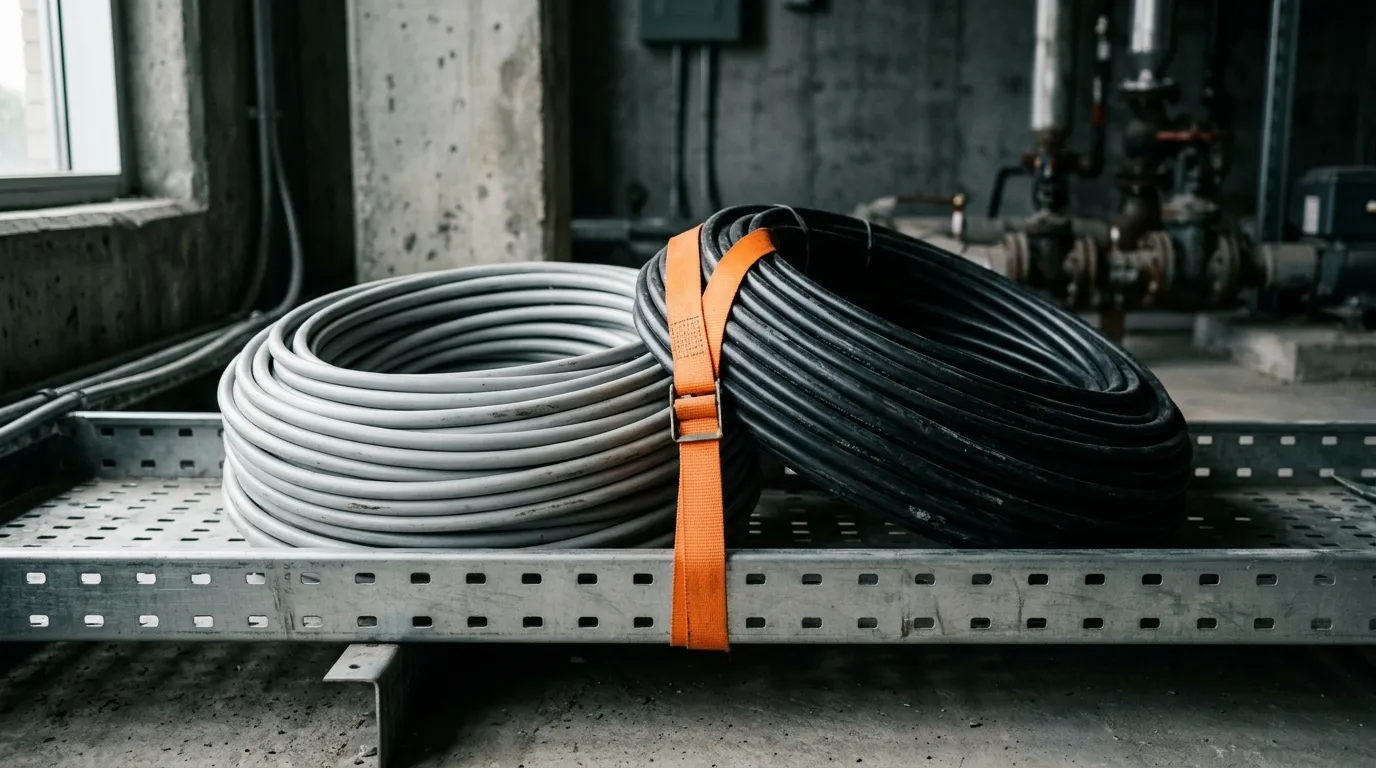
Fiber forms the backbone: entrance facility to main cross-connect, main to intermediate cross-connects on each floor, and between buildings. Those links are long, they carry aggregated traffic from many endpoints, and nobody needs to power anything at the far end with PoE — a perfect fit for single-mode or multimode fiber. MDF and IDF roles explain how that hierarchy is organized in practice.
Copper forms the access layer: 90 m horizontal runs from the floor's cross-connect to work areas, carrying 1G, 2.5G, or 5G and power alongside it. This is where the vast majority of ports live, and where copper's cost per port and power delivery are decisive.
Fiber to the desk is the exception, and it earns its place in specific conditions: run lengths beyond the channel budget, electrically noisy or isolated areas, high-security environments, or buildings where the ceiling or floor is going to be sealed and the cost of opening it again later is prohibitive. Where those conditions apply, pre-terminated fiber assemblies and a media converter or fiber-capable switch at the desk make fiber to the desk practical.
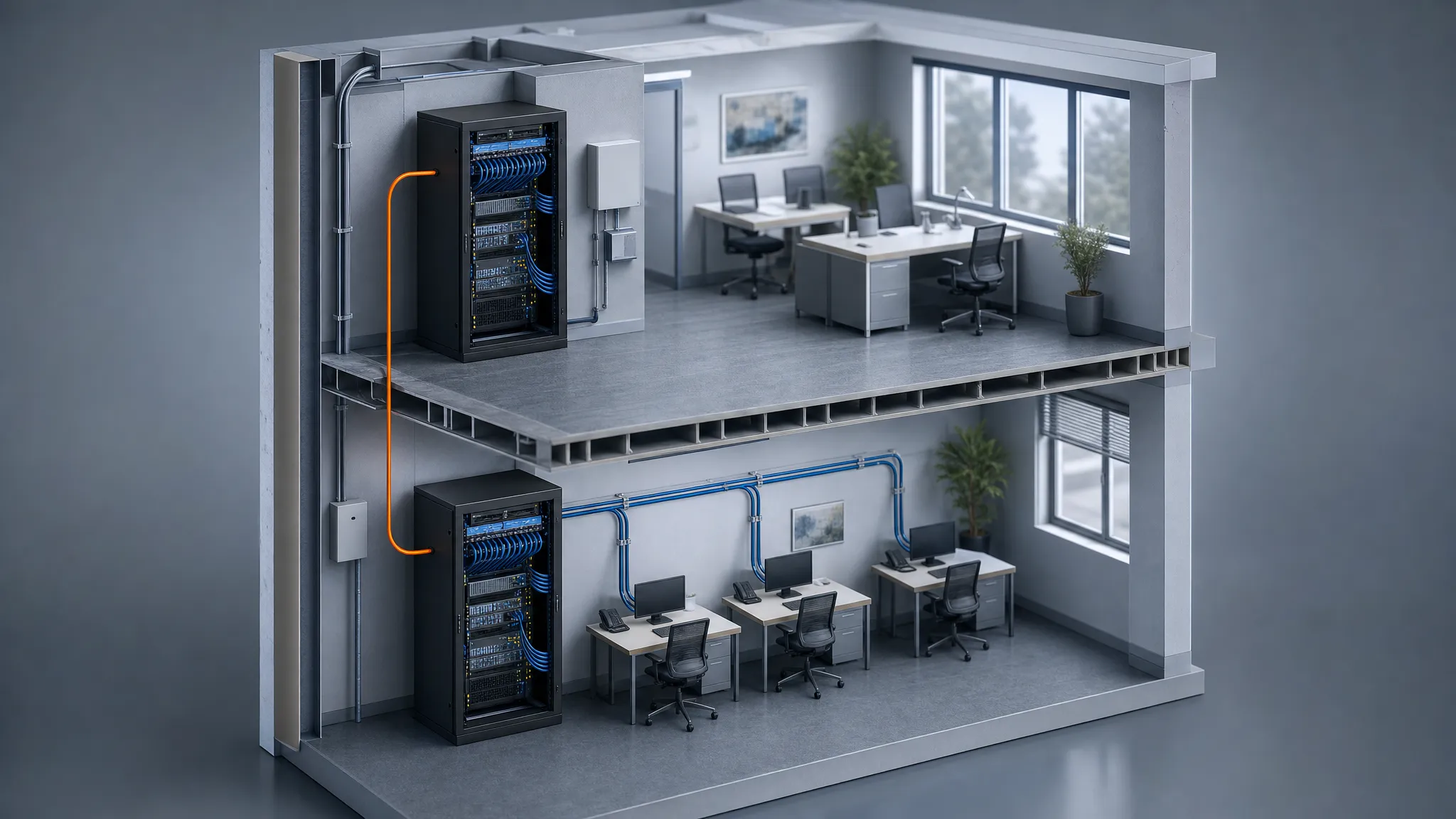
The hybrid pattern: fiber between racks and floors, copper from the cross-connect to the endpoint.
When Cat6 (or Cat6a) Is the Right Answer
It is worth being specific about when copper wins, because "use fiber everywhere" is not a design.
- Runs under the channel budget with powered endpoints. Access points, cameras, phones, door controllers, and workstations inside a 90 m permanent link. PoE settles it.
- Multi-gigabit access without a re-cable. 2.5G and 5 GbE over 100 m of Cat5e or Cat6, with PoE available, covers most Wi-Fi 6/7 uplinks.
- Cost-sensitive, short-horizon projects. A single-floor office with 1 GbE endpoints and no near-term 10G requirement does not benefit from a fiber access layer.
- Where the installer ecosystem is copper. Common tooling, widely available skills, and same-day materials reduce schedule risk.
- Where everything else is already copper, and the medium is not the bottleneck. Endpoints, NICs, and switch ports all present RJ45 ports on most access gear.
The one thing copper cannot do is escape its 100 m channel, and it cannot carry 10GBASE-T to 100 m without Cat6a.
When Fiber Is the Right Answer
Fiber takes over as soon as the link leaves the horizontal domain or the electrical environment turns hostile.
- Anything beyond 100 m. Building-to-building links, risers, and campus backbones are fiber by default.
- Distances measured in kilometers. 10GBASE-LR reaches 10 km over single-mode, and 40 km with ER optics; copper has no counterpart here.
- EMI-heavy or electrically isolated environments. Industrial floors, substations, and medical or laboratory spaces benefit from dielectric, immune cable.
- Bandwidth beyond 10 GbE. Multimode carries 40G and 100G over roughly 100–150 m; single-mode with DWDM scales far beyond that, and an upgrade can be as simple as changing optics rather than recabling.
- Grounding and separation problems. Where separate structures have different ground potentials, a dielectric link removes the loop entirely.
When you do specify fiber, the choice between single-mode and multimode is the next decision, and it follows from distance and future speed rather than from cable price.
How to Choose: A Five-Step Decision Path
Work through these in order and most of the design decides itself.
- Measure the longest link. If any run exceeds 90 m of permanent link, that run is fiber and the rest of the design is layered around it.
- Ask whether the far end needs power. Powered endpoints push toward copper unless a converter or fiber-capable switch is acceptable in that location.
- Set the speed target for the next five years. 1G to 5G within 100 m is copper territory; 10G to 100 m needs Cat6a or fiber; 40G and 100G need fiber.
- Check the electrical environment. Heavy machinery, power distribution, or separate buildings tilt the decision toward fiber even for short runs.
- Price the actual BOM both ways. Include transceivers, panels, termination, and testing — then decide. If the two options are within budget noise, choose the one with the better upgrade path for that specific route.
The short version: fiber wherever the run leaves the horizontal or crosses between structures, copper wherever the endpoint needs power, and Cat6a rather than Cat6 if 10GBASE-T has to reach a full 100 m channel.
FAQ: Fiber vs Cat6 in Enterprise Networks
Is fiber better than Cat6? For distance, bandwidth, EMI immunity, and upgrade capacity, yes. For powered access-layer endpoints inside 100 m, no — copper still delivers power and data on one cable, and fiber cannot deliver power at all.
Is Cat6 copper or fiber? Cat6 is copper: four twisted pairs of pure copper conductors with an RJ45 termination, specified to 250 MHz. Fiber optic cable is a separate product family with glass cores and LC or MPO connectors.
Can fiber carry Power over Ethernet? No. PoE is defined over twisted-pair copper. A fiber link needs a local power source or a media converter supplying power at the device end.
Does 10 GbE need Cat6a? To run 10GBASE-T across a full 100 m channel, yes — Cat6 is limited to 55 m at that speed. Shorter runs may work on Cat6, but designing to the standard rather than to a hope is the cheaper habit.
Do I have to choose one medium for the whole building? No, and you probably should not. The common design is a fiber backbone with a copper access layer, using fiber to the desk only where the specific conditions justify it.
Where TTI Fiber Fits
If the design lands on fiber for the backbone, riser, or selected desktop runs, the cable and connectivity side is what TTI Fiber manufactures: indoor fiber optic cable in distribution, breakout, and tight-buffered constructions for in-building use, plus patch panels, pigtails, and pre-terminated assemblies that reduce field splicing. For projects that start on copper and migrate rack by rack, media converters and fiber patch cords support a gradual cutover rather than a rip-and-replace.
If you are specifying a hybrid campus or in-building network and want a second opinion on the fiber portion, send the route lengths and speed targets — that is usually enough to size the cable and connectivity list.