GPON vs EPON vs XGS-PON: Which to Deploy?
Which PON Should You Deploy? The Short Answer
GPON vs EPON vs XGS-PON is not one question with three competing answers. It is three different questions, and which one you are actually asking is decided by the optical distribution network you already own. If you have a working GPON plant and need more bandwidth, XGS-PON is almost always the answer, because it runs alongside GPON on the same fibre. If you are building greenfield and your subscribers are residential with mostly downstream traffic, GPON usually comes in cheapest per home passed. If your team is Ethernet-native, your market is one where EPON was deployed at scale, or you are an operator with an EPON history, 10G-EPON competes directly with XGS-PON on equal terms. If you are starting from nothing and cannot answer the question "what does my split ratio cost me in dB", no standard will save you.
Most GPON vs EPON vs XGS-PON comparisons are organised around the answer, not the question: they print a spec table, declare 10G the modern choice, and stop. That ordering is why so many projects come out of a standards review with a decision they later have to re-open.
The rest of this article compares GPON vs EPON vs XGS-PON on the dimensions that actually change a bill of materials: rates and symmetry, split ratio and optical budget, wavelengths and coexistence, protocol and interoperability, and cost. Each section ends where the decision is: the plant and the passive hardware, not the acronym.
If you are still settling the vocabulary of last-mile fibre — where FTTH ends and FTTP begins, what FTTB and FTTD mean — the FTTH & PON deployment guides index covers that ground before the standards question comes up.
GPON vs EPON vs XGS-PON at a Glance
The three standards, on the numbers that matter first.
Standard | Standards body and reference | Down / up per PON port | Typical split | Best first fit |
|---|---|---|---|---|
GPON | ITU-T G.984 series | 2.488 Gbps / 1.244 Gbps, asymmetric | 1:32 to 1:64 | Cost-driven residential FTTH on a new plant |
EPON / 10G-EPON | IEEE 802.3ah / 802.3av | 1.25 Gbps symmetric; 10G-EPON at 10/10 Gbps symmetric or 10/1 Gbps asymmetric | 1:32 (1G) to at least 1:64 (10G) | Ethernet-native networks, EPON-lineage operators, smaller ISPs |
XGS-PON | ITU-T G.9807.1 | 10 Gbps / 10 Gbps, symmetric | At least 1:64, no defined maximum | Symmetric multi-gigabit services, business and mobile transport, GPON upgrades |
Two things that table does not show, and both matter more than the row you are drawn to:
The split column is not a property of the standard. It is a budget decision you make later, and it can move a standard's effective subscriber count per port by a factor of four. That is the subject of the section on optical budgets below, and it is the single most common omission in published comparisons.
The symmetry column is a service question, not an engineering vanity. Asymmetric 2.5/1.25 Gbps matches households that watch more than they publish. Symmetric 10 Gbps matches businesses, cameras, small cells and anyone selling upstream. Choosing asymmetry for a symmetric workload is how networks acquire an upstream ceiling nobody planned for.
Three Standards, Two Standards Bodies
GPON and XGS-PON come from the International Telecommunication Union; EPON comes from the IEEE. That split explains more about vendor ecosystems, procurement and certification than any rate figure does.
GPON is specified in the ITU-T G.984 series — the general characteristics recommendation is only the front door, and the series as a whole runs to dozens of pages of PMD (G.984.2), transmission-convergence (G.984.3) and management (G.984.4/G.988) detail (ITU-T G.984.1). Its 10-gigabit successor in the asymmetric direction is the G.987 series for XG-PON (ITU-T G.987), and the symmetric one is G.9807.1 for XGS-PON (ITU-T G.9807.1). A fifth recommendation, G.984.5, defines the enhancement band that makes GPON and 10G PON coexist on one fibre — hold that thought, it is the technical reason an upgrade does not require a new cable plant.
EPON is IEEE work. 802.3ah, approved in 2004, defined the first gigabit-class Ethernet PON at 1.25 Gbps in both directions; 802.3av, approved in 2009 as IEEE 802.3av-2009, extended it to 10 Gbps — symmetric 10 Gbps both ways, or 10 Gbps down and 1 Gbps up — as 10G-EPON. CableLabs notes that 10G-EPON was being deployed by operators as early as 2012, six years before ITU-aligned operators began deploying XGS-PON in volume (CableLabs, 10G-EPON vs. XGS-PON). The IEEE records for both standards are live at 802.3ah and 802.3av.
One correction worth carrying into your own reading, because it is repeated widely: G.988 is not a coexistence standard. It is the ONU management and control interface (OMCI) specification — the protocol your OLT uses to provision and monitor the ONT (ITU-T G.988). Coexistence provisions live in the wavelength plans and their enhancement bands, not in the management interface. Several vendor comparisons attribute coexistence to "G.984 and G.988"; when you see that, the rest of the table deserves a second look.
Speed and Symmetry: What the Rates Actually Buy You
Take the headline numbers at face value first. GPON carries 2.488 Gbps downstream and 1.244 Gbps upstream on one PON port — the round numbers people quote are 2.5 and 1.25. XG-PON keeps asymmetry but moves the ceiling to 10 Gbps down and 2.5 Gbps up. XGS-PON is symmetric at 10 Gbps in both directions. 1G-EPON is symmetric at 1.25 Gbps; 10G-EPON is defined at 10 Gbps in both directions, with an asymmetric 10/1 Gbps mode alongside it. Those are exactly the rates the G.984, G.987 and G.9807.1 recommendations define, and each number is only meaningful next to the direction it applies to.
Then subtract the overhead. Neither 10G-EPON nor XGS-PON hands the user a clean 10 Gbps: forward error correction and framing consume part of the line rate, and the usable capacity lands at roughly 8.8 Gbps in both cases. CableLabs is explicit that the figure is the same for both technologies — which is the first sign that the 10-gigabit decision is not really a speed decision at all.
Now divide by the split ratio. This is where the table stops being a table. A PON port is not a subscriber line; it is a shared medium serving every ONT behind it, and the upstream direction is shared by time-division multiple access — each ONT gets granted slots and stays silent otherwise. So the number a planner actually needs is usable capacity divided by the number of ONTs sharing that port, not the port's peak rate.
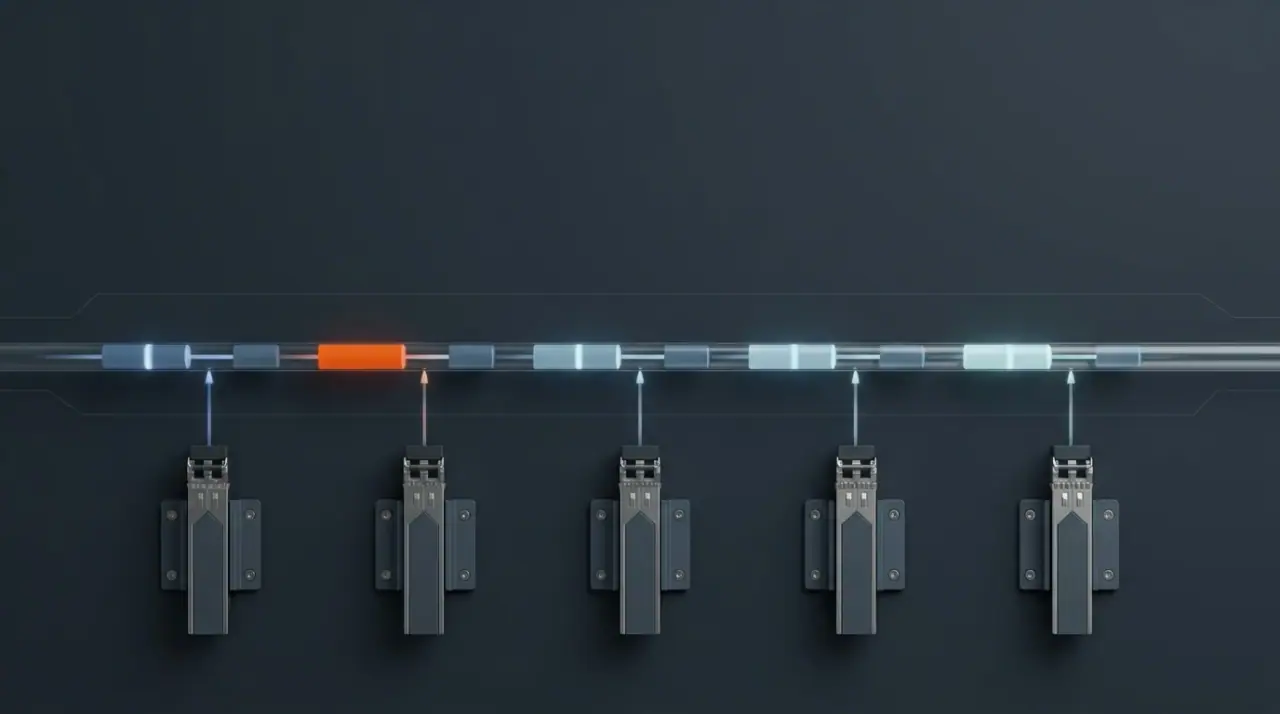
One upstream fibre, many transmitters, one at a time. The capacity printed on a PON port is a shared pool, so subscriber count and split ratio divide it before any subscriber sees it.
That arithmetic reframes all three standards. A GPON port at 2.488 Gbps across 32 homes averages about 78 Mbps per home on the downstream shared pool. The same port across 128 drops averages under 20 Mbps. Neither number is wrong — both are legitimate designs, and both are sold as "GPON". The variation comes entirely from the plant, which is why the next section matters more than this one.
The symmetry question cuts the other way. Ten symmetric gigabits cannot be manufactured by adding downstream capacity, and this is where XG-PON's 10/2.5 split can quietly disappoint. A network sized around downstream-heavy video delivery will be happy with XG-PON. A network carrying building cameras, small-cell backhaul, remote backup or business uploads at scale is buying an upstream bottleneck it will have to explain later. For those workloads, symmetry is not a premium feature; it is the requirement, and it is why 10G-EPON and XGS-PON both exist in symmetric form.
One forward-looking note, because it changes how you should size the plant rather than which standard you buy this year. 10G is not the end of the ladder: the ITU-T's own higher-speed PON recommendation, G.9804.1, is already published (ITU-T G.9804.1), and the FOA's migration reference names 50G-PON and 100G-PON as the next generations in the ITU line. Every one of those steps will reuse the fibre and, if the wavelengths permit, the ODN — which is the strongest argument for designing the cable plant for reuse rather than for the standard you can afford today. Standards arrive on a schedule; cable plant is paid for once.
Split Ratio, Reach, and the Optical Budget
Here is the part almost every published comparison leaves out, and it is the part that decides whether your design works.
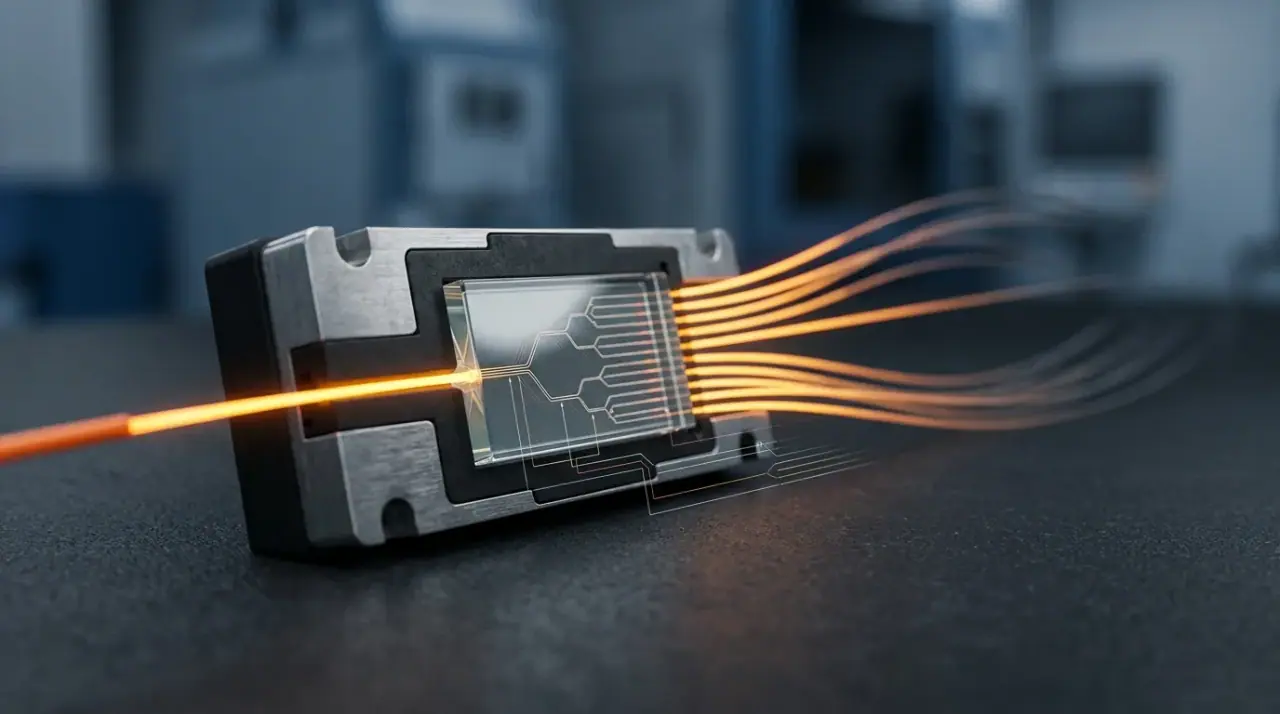
A passive optical splitter is a light divider. It does not amplify, so whatever total optical power enters is divided among the outputs. Ignoring manufacturing imperfection, the loss at each output port is 10 × log₁₀(N) for an N-way split — about 3.01 dB for a 1×2, doubling to 15.05 dB for a 1×32 and 18.06 dB for a 1×64. Real devices add excess loss on top: PLC splitters typically land a 1×32 near 16.7–17.5 dB total and a 1×64 near 20–21 dB. TTI Fiber publishes that table in the splitter loss calculator on this site, and the per-port arithmetic is walked through in the article on how much loss a passive splitter adds.
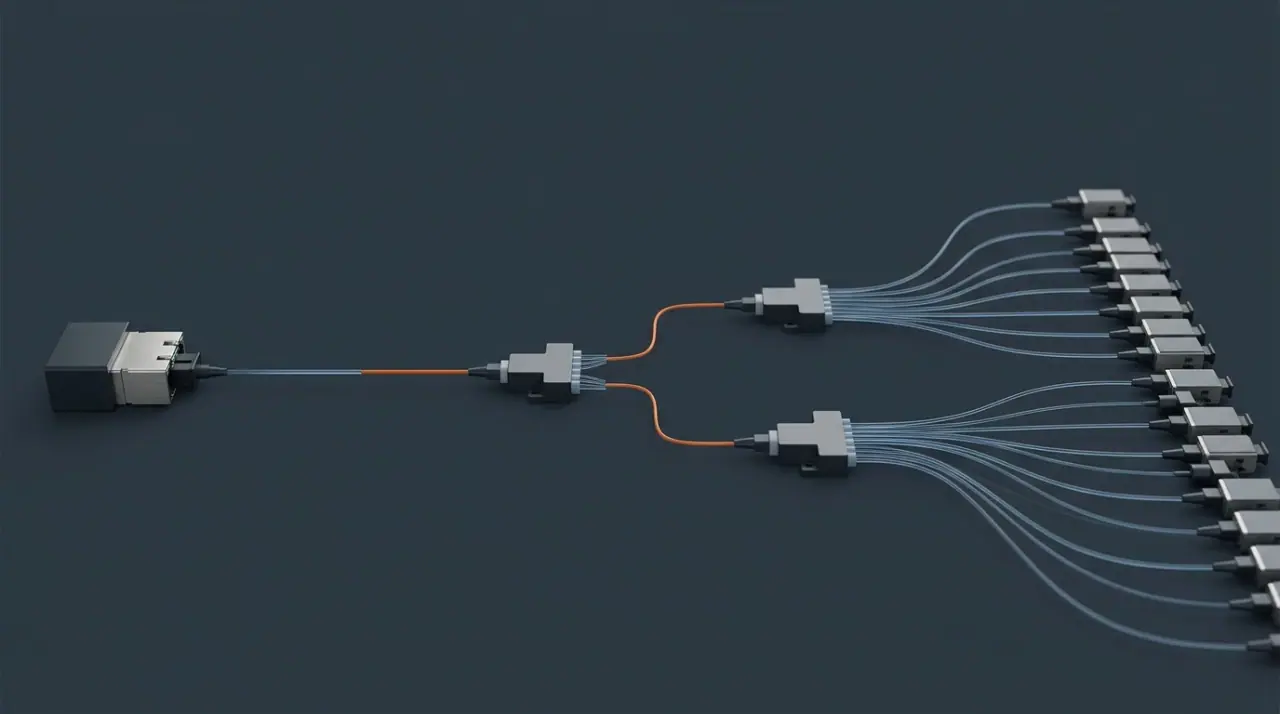
The split ratio in a spec table describes this chain: one OLT port, a splitter stage, and a drop to each ONT. Every doubling of the split adds roughly 3 dB of loss to every subscriber on the port.
Now add the rest of the link. Each mated connector pair costs a little, each fusion splice costs a little, every kilometre of fibre costs a little, and you must reserve margin for ageing and repair. The fibre link loss budget calculator on this site applies a maximum of 0.75 dB per connector pair and 0.30 dB per splice, per TIA-568 practice. Add those to a 1×32 splitter's 17 dB and you can see why a split ratio is not free.
The consequence is the thing to remember: the split ratio is bounded by the optical power budget class of the transceivers you buy, not chosen for convenience. The same standard supports 1:32 on one network and 1:64 on another because the OLT and ONT optics, the splitter grade and the fibre distance differ. CableLabs makes the point directly — the split ratio "is a value that is determined by the operator's network design criteria and the specific optical transceivers chosen by the operator", and for the 10G standards it states only a minimum of 1:64 with no defined maximum. If a comparison table gives you a single number for split ratio, it has hidden the variable that governs your cost per subscriber.
Reach works the same way, which is why "20 km" should be read as a budget outcome rather than a standard's constant. CableLabs characterises the 10-gigabit standards around approximately 20 km, and that figure assumes the optical power budget the splitter has already spent. Splitter loss and fibre attenuation draw on the same account, so a design that spends generously on the split does not get to spend the same way on distance. A plan that budgets for a high split ratio and a long reach is borrowing against its own margin, and the invoice arrives as the borderline drop you cannot turn up.
Three practical consequences follow, and they apply whatever standard you pick:
- Higher split ratios cost more per port in optical terms than in equipment terms. Doubling the split buys you coverage of twice the homes on one OLT port, and costs about 3 dB plus extra excess loss on every one of those homes. The OLT port is cheap; the loss budget is not.
- Splitter technology matters at high ratios. PLC splitter modules hold up better than fused biconic taper devices as ratios climb; the comparison of splitter types covers where each fits.
- Keeping the plant passive is the whole economic case. A passive splitter needs no power, no cabinet and no electronics in the field, which is exactly why a passive splitter beats an active one for last-mile distribution — and why operators resist touching the ODN when they upgrade.
Where the design actually breaks
The failure mode is not exotic. A planner models 64 subscribers per port using the splitter's typical loss, budgets the fibre, adds a number for splices, and stops. The build then runs longer than the map suggested, adds a splice closure that was not in the estimate, terminates with a joint that measures worse than nominal, and the last ONT on the longest branch sits under the receiver sensitivity. The standard did not fail; the budget did.
That is why the field-test step is not optional. An optical power meter at the ONT, and an OTDR trace on any branch that comes in low, are what turn a paper design into a defensible one. Neither appears in a standard's specification, and neither appears in most vendor comparisons — but both are what a design review will ask about.
Wavelengths and Coexistence: Can You Keep the ODN You Already Own?
Coexistence is the strongest argument in this comparison, and it rests on wavelengths rather than on protocols.
Path | Downstream | Upstream | Coexists with GPON? |
|---|---|---|---|
GPON | 1490 nm | 1310 nm | — |
XG-PON | 1577 nm | 1270 nm | Yes, via WDM |
XGS-PON | 1577 nm | 1270 nm | Yes, via WDM |
10G-EPON | 1577 nm | 1270 nm | Yes, via WDM |
GPON occupies 1490 nm downstream and 1310 nm upstream. The 10-gigabit standards occupy 1577 nm and 1270 nm. The ITU-T defines the arrangement in G.984.5, the enhancement band that lets GPON and 10G PON share one fibre (ITU-T G.984.5). Because the bands are separated, a wavelength-division multiplexing coupler can place both on the same fibre without interference, which means a GPON customer keeps working while a new XGS-PON ONT is added beside them on the same drop. The FOA puts the operational point plainly: the most expensive part of the system is the cable plant, so coexistence is what protects the existing investment (FOA reference).
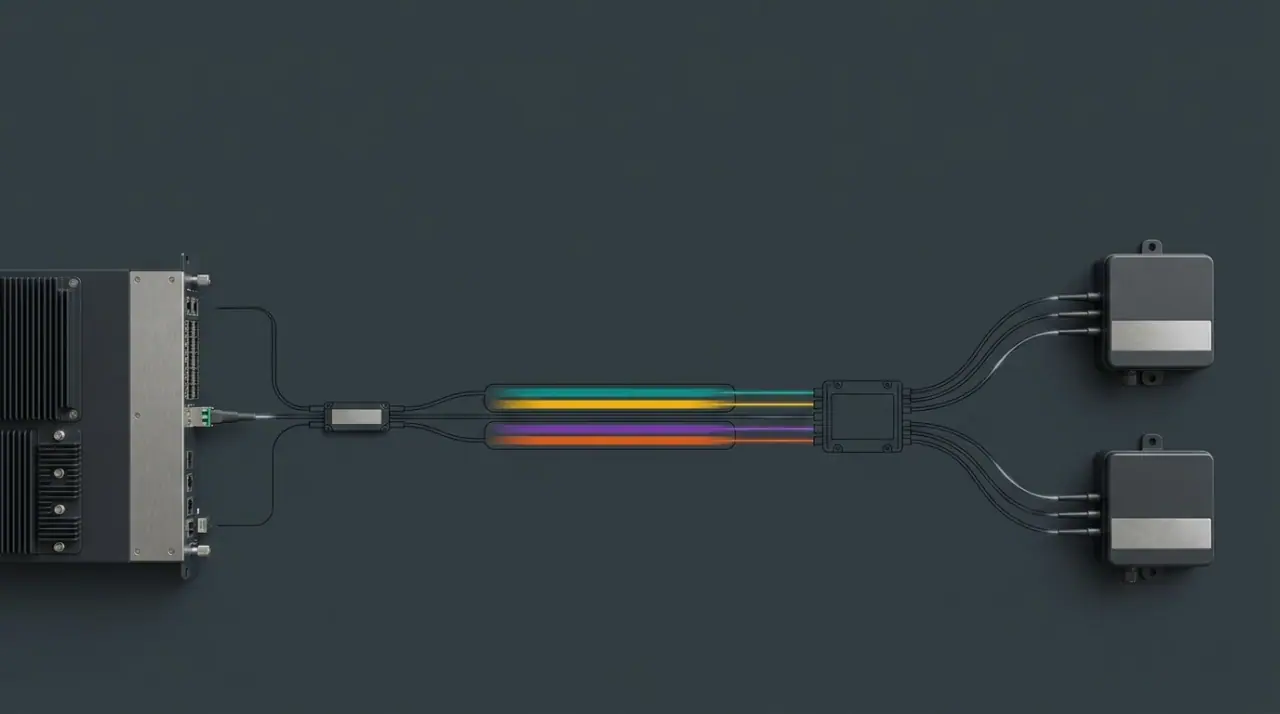
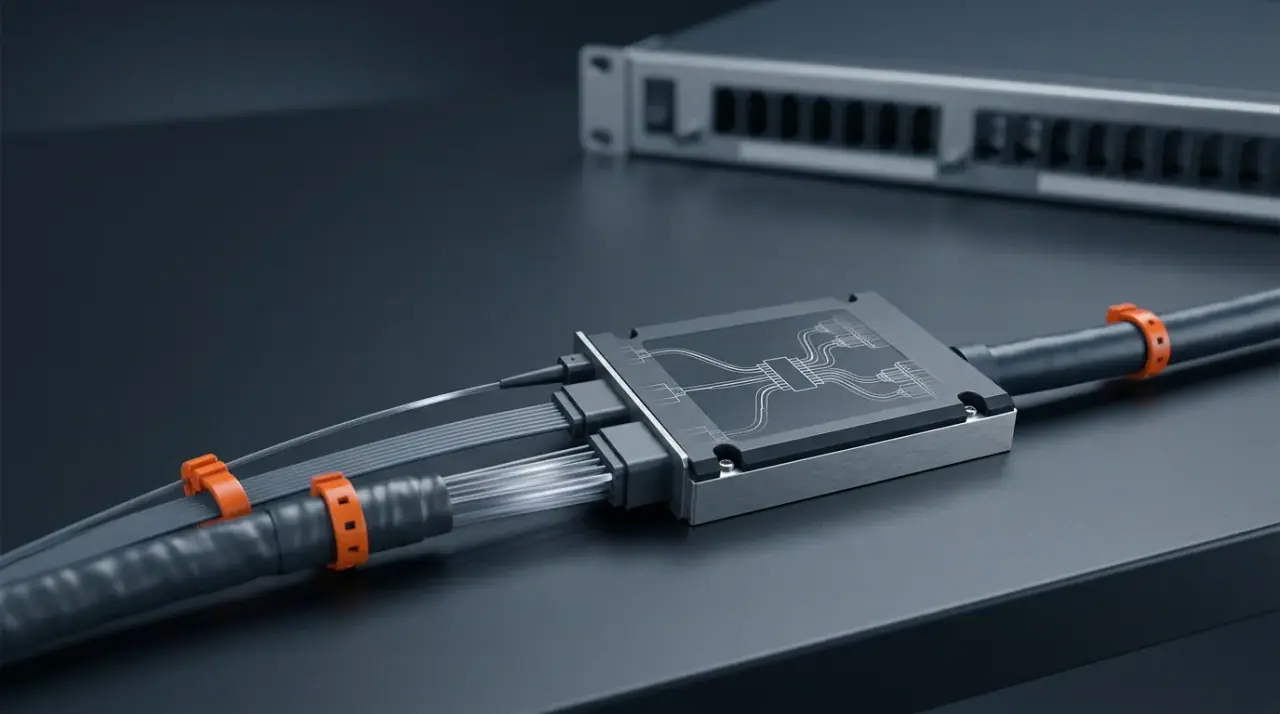
Two wavelength bands, one fibre. The multiplexer is the physical reason a GPON plant can host an XGS-PON overlay — and in the other direction, why a 10G rollout does not have to touch the ODN.
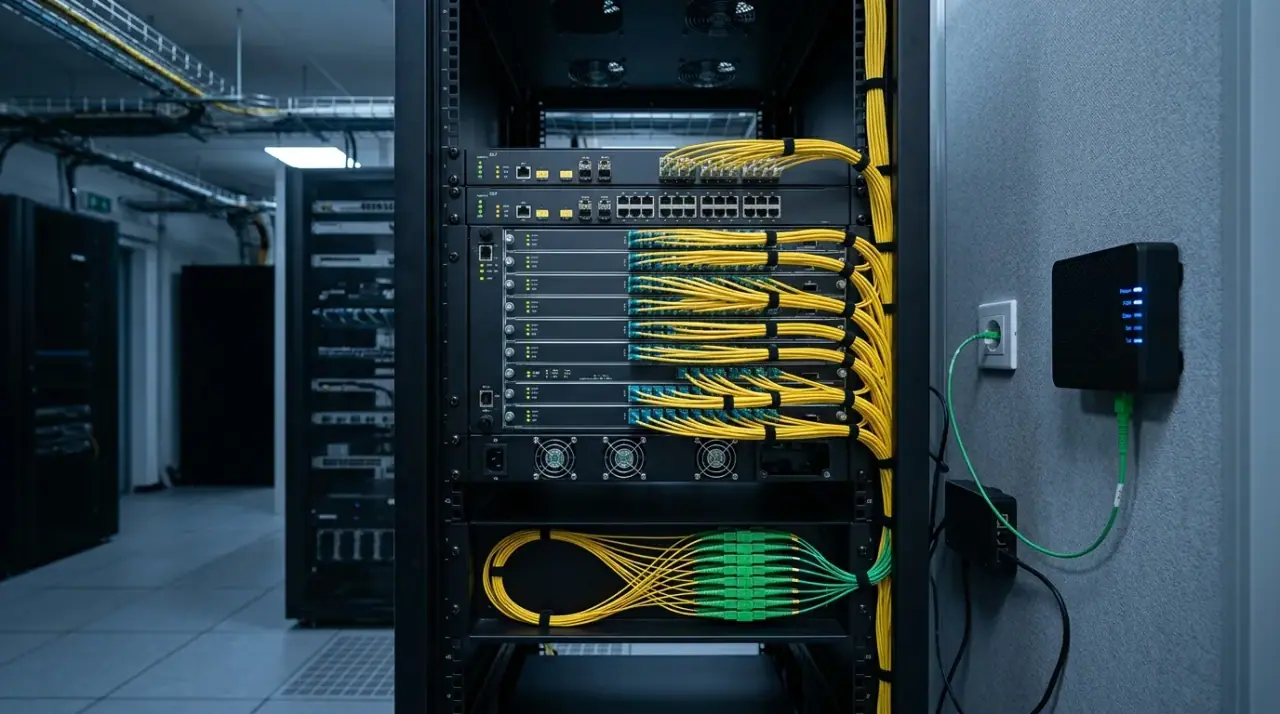
Making that practical requires the right OLT port. Modern platforms offer combo PON ports that integrate the GPON and 10G optical interfaces behind a single port with an internal combiner, so an operator adds capacity without adding a board per standard. Migration then becomes a schedule rather than an outage: keep GPON in service, introduce XGS-PON for new or premium subscribers, and move the remainder as their contracts allow.
Two honest caveats. First, sharing one fibre is a wavelength plan, but it does not make an EPON plant interchangeable with an ITU plant. 1G-EPON occupies the same 1490/1310 nm bands as GPON, so band separation is not what blocks an XGS-PON overlay on an EPON network — the management and provisioning plane is, as the protocol section below sets out. An operator with an IEEE EPON plant upgrading to 10G-EPON stays inside the IEEE family; crossing from EPON to XGS-PON is a platform and provisioning decision, not a wavelength overlay. Second, ONTs filter by wavelength. A GPON ONT ignores 1577 nm traffic and an XGS-PON ONT ignores 1490 nm — which is what makes the mixed network orderly, but also means every subscriber you upgrade needs a new ONT regardless of how well the standards coexist.
Protocol and Interoperability: The Hidden Cost of "Compatible"
Inside the framing layer, GPON and its ITU successors encapsulate subscriber traffic in GEM (and XGEM on the 10G side), while EPON carries native Ethernet frames. In practice this difference is smaller than it reads. A 10G-EPON ONT carries Ethernet, and an XGS-PON ONT carries Ethernet too — it simply wraps it in a slightly different envelope on the way across the PON, at a trivial overhead cost. Upstream, both 10-gigabit families use TDMA to share the fibre, and both encrypt downstream traffic so that one ONT cannot read another's data.
The interoperability question is far more consequential, and it is the one vendors rarely volunteer. PON has what CableLabs calls a legacy of poor interoperability: an ONU from one vendor may not function correctly against another vendor's OLT, so both ends often have to come from the same supplier, and ITU-based systems typically expose vendor-specific interfaces to the operator's management and provisioning systems. Industry bodies including the Broadband Forum have worked on this, and the situation is improving, but the history does not disappear overnight.
What this means for a purchasing decision is concrete. When a datasheet says a device is "compatible", that word describes conformance to a standard, not a proven pairing with the OLT you own. The pairing that matters is the one in your lab and then in your field trial. Two consequences follow for a migration plan:
- The cost of switching families is mostly a management-plane cost. Going from EPON to 10G-EPON or from GPON to XGS-PON keeps your provisioning and monitoring assumptions intact. Crossing between families means rebuilding them, which is a project cost, not a licence cost.
- Silicon convergence has done most of the work on the device side. 10G-EPON and XGS-PON ONTs are built from the same underlying hardware components, including identical silicon, with the software determining the mode of operation — which is why their device costs are comparable rather than differentiated.
Cost and Ecosystem: What You Are Actually Buying
Cost is the dimension where published comparisons are least useful, because the honest answer is that the cost driver is not the standard.
There is no list price for "GPON". What you buy is an OLT card, an ONT per subscriber, a splitter, the drop and distribution cable, closures and boxes, and the labour to put them in the ground and on the pole. The cable plant is the largest and most expensive element of a PON system, which is the reason coexistence features exist at all. Device economics are driven by optics, silicon volume and how many ports a card carries — not by which letter follows "PON" in the brochure.
That produces a counter-intuitive conclusion worth stating plainly. The gap between GPON and 10G devices is not the gap you should be planning around. The gap between a well-designed ODN and a poorly-designed one is larger, and it is permanent. A 1:32 split and a 1:64 split both resolve to "GPON" on a purchase order and differ by roughly 3 dB across every subscriber on the port, which changes how far you can reach, how much margin you retain, and whether the last ONT on the longest branch works in eight years' time.
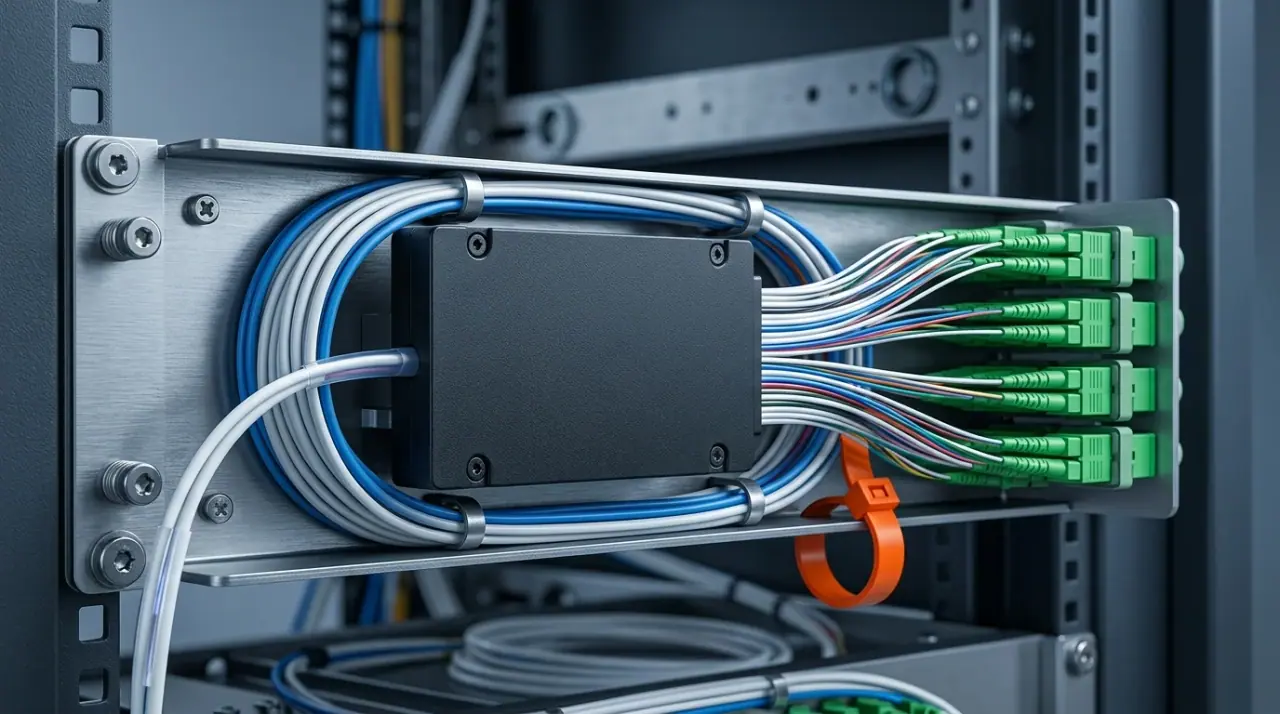
A 1×32 PLC splitter module: the component that converts a standard's freedom of choice into a specific number of dB. Splitter grade and ratio are where the ODN budget is won or lost.
Where cost genuinely differentiates the three options is the ONT installed at each premises and the upstream platform the operator already runs. That is why the practical cost ranking tends to follow the ecosystem rather than the specification: GPON sits at the volume end because it has shipped for two decades; XGS-PON carries a premium that keeps narrowing as volume grows; 10G-EPON vs XGS-PON on device cost comes out broadly level, for the silicon reason above. Anyone quoting a percentage difference between the three without naming the ONT model and the split ratio is not giving you a number you can use.
How to Choose, by Deployment
The standard follows from the deployment. Find your case.
You already run a GPON plant and need more capacity
XGS-PON. In practice this is where XGS-PON vs GPON is decided: the plant already carries the wavelengths, the combo port adds the 10G interface, and coexistence lets existing subscribers finish their contracts on GPON while new ones get symmetric multi-gigabit. Rebuilding the ODN to change standards would spend money on the one element that does not need replacing.
Greenfield build, residential subscribers, cost-sensitive
GPON remains the rational first fit. It is the most widely deployed variant, its optics are at volume pricing, and asymmetric 2.5/1.25 Gbps matches households that consume far more than they publish. Design the ODN so that the upgrade path stays open — adequate fibre count, spare splitter ports and a cabinet footprint that can host a combo port later — and the decision is cheap to revisit.
Greenfield build with a ten-year horizon and business services on the roadmap
XGS-PON, or 10G-EPON where your team is Ethernet-native. Symmetric 10 Gbps is what business connectivity, small-cell transport and multi-gigabit residential tiers converge on, and the usable capacity of roughly 8.8 Gbps per port is the number to divide across your subscriber count. Pay for symmetry now rather than explaining an upstream ceiling in year three.
Small or rural ISP, or a project where every dollar of capex is contested
EPON, and specifically 1G-EPON, is the option that gives up the least in this scenario. It is simple, Ethernet-native, cheap to configure, and in rural and low-density builds the split ratio and the reach are usually limited by the geography rather than the PON rate. Where the subscriber mix is modest and symmetric upstream demand is light, spending the delta on a 10G platform buys capacity the market will not fill for years. If your roadmap does include a 10G step, plan it as 10G-EPON on the same family rather than as a family change.
Cable operator, or a network with an EPON lineage
10G-EPON. The family history, the provisioning systems and the certification programmes are already aligned to it, and the interoperability record inside the IEEE family is the better of the two. CableLabs documents the certification path that exists for exactly this reason. Moving to XGS-PON here would mean rebuilding a working management plane to gain a symmetric 10 Gbps capability that 10G-EPON also provides.
Multi-dwelling and campus builds, fibre to the building then onward
The PON family is only half the decision; the other half is how far the fibre actually runs. FTTB and FTTH differ in the cable construction, the in-building distribution and the terminating hardware, and a PON choice made for a building-based topology looks different from one made for fibre to each unit. The differences between FTTP, FTTH, FTTB and FTTD sets out where those boundaries fall, and the FTTH versus FTTP distinction is worth settling before the standards comparison is applied to a specific site.
Enterprise or SMB service with guaranteed upstream
XGS-PON or 10G-EPON — the symmetric pair — and check the ONT range for the service tiers you intend to sell. Asymmetric platforms can serve a business customer adequately on downstream while leaving the upstream committed rate weaker than the contract implies.
Field Mistakes That Show Up After Cutover
The recurring failures are rarely about which standard was chosen.
Optimising the split ratio for subscriber count instead of for loss. Splitting 1:64 because the serviceable homes are there, without re-running the budget, is the most common way a technically correct standard produces a network with no margin.
Treating "compatible" as "interoperable". Mixing ONT and OLT vendors because both cite the same standard, then discovering in commissioning that provisioning does not work. Lab-verify the pairing before it reaches a truck roll.
Forgetting the drop segment. The budget is often modelled to the distribution point and then the drop cable, its connectors and its bend radius are treated as free. They are not, particularly in aerial builds and older buildings where the drop route is longer than the map suggests.
Skipping the power meter. A build that is never measured has no baseline. A single reading at the ONT per drop converts the design into evidence, and an OTDR trace on the weak branches tells you whether the problem is the splitter, a splice or a macrobend.
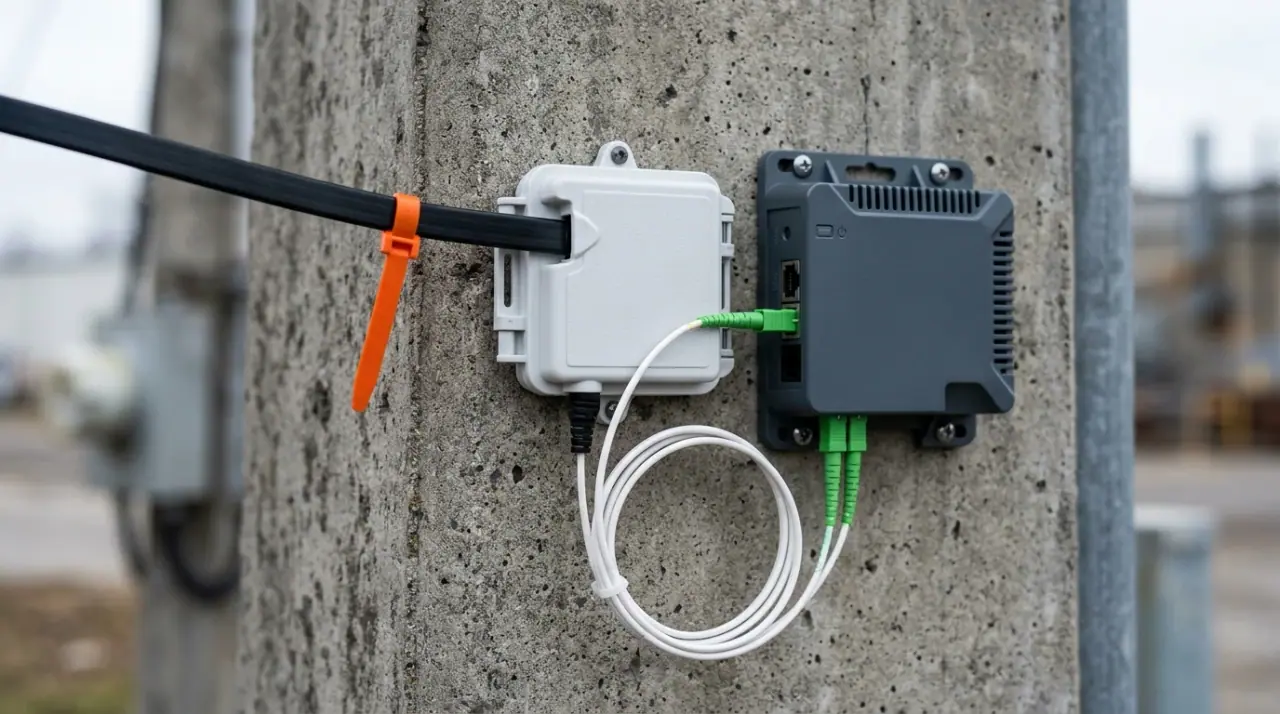
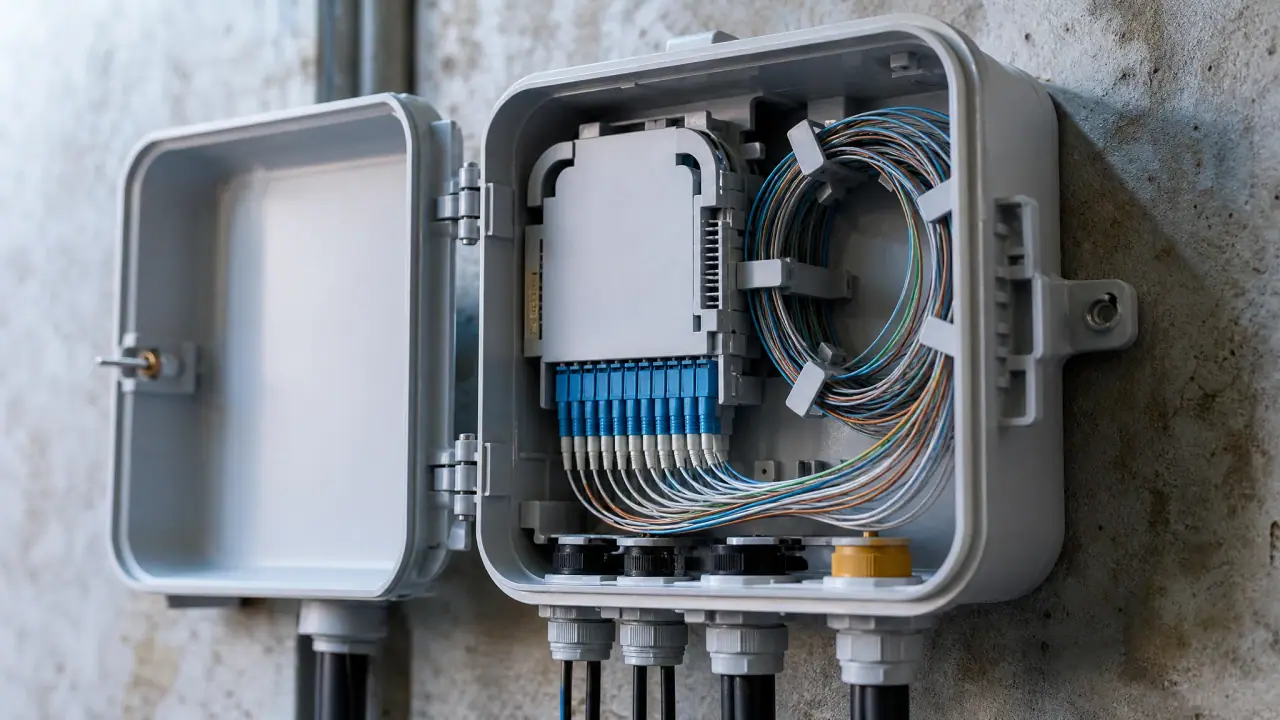
The last segment of the ODN on a customer wall. Whatever the standard, this is where a budget that was not modelled properly turns into a failed install.
Upgrading the OLT and not the ONTs. Coexistence is a property of the fibre, not of the subscriber equipment. Every home moved to 10G needs a 10G ONT, and the cost and lead time of that swap belongs in the business case from the start.
FAQ
Is XGS-PON compatible with GPON? On the same fibre, yes. They occupy different wavelength bands — GPON at 1490/1310 nm, XGS-PON at 1577/1270 nm — so a wavelength-division multiplexer can carry both on one ODN, and a combo PON port can serve both from one OLT slot. The devices themselves are not interchangeable: a GPON ONT only reads GPON wavelengths, so coexistence means running both in parallel rather than replacing GPON outright.
Is XGS-PON better than GPON for gaming? Gaming cares about latency and jitter far more than about peak throughput. A single game stream uses a small fraction of GPON's 2.5 Gbps downstream. Where XGS-PON helps a gaming household is the upstream side and the aggregate contention: 10 Gbps symmetric plus the extra headroom of a newer platform can hold latency steadier when several people are streaming, uploading and playing at once. If your GPON port is lightly loaded and your upstream traffic is modest, XGS-PON is not the reason your ping will change.
How can I tell whether I am on GPON or XGS-PON? Read the model number on the ONT and the OLT port, not the speed test. A 10-gigabit platform's ONT will be documented against ITU-T G.9807.1, and its WAN interface will usually negotiate above 1 Gbps where the service tier allows. Then confirm at the OLT: a combo PON port reports which standards it is presenting, and a wavelength or spectrum reading will show whether 1577 nm is in use. If neither end is documented, the ONT model number is the fastest reliable route to the answer.
Is GPON or EPON better? Neither, in the abstract, and the EPON vs GPON question is usually decided by ecosystem fit rather than by the specification: the two are published by different bodies for different ecosystems. GPON delivers more downstream capacity and more bandwidth efficiency, is the most widely deployed variant, and comes with the largest pool of second-source hardware. EPON is simpler, carries native Ethernet frames, and suits operators whose networks, management systems and market region are already aligned to it. On the numbers alone GPON wins the downstream comparison; on ecosystem fit, EPON is frequently the cheaper correct answer.
Can I raise the split ratio later instead of changing standards? Sometimes, and it is worth checking before you commit to an upgrade. The split ratio is bounded by the optical power budget class of the optics at both ends, so a higher ratio is available only if the transceivers, the splitter grade and the fibre distance leave the margin. On many networks the cheaper capacity win is choosing a lower-loss splitter or re-balancing the split stages rather than replacing the platform.
What to Do Next
Walk the decision in this order and the standard usually picks itself: what ODN do I already own, what does my split ratio cost in dB, what upstream do my services actually need, and only then which standard fills the gap. If the third answer is "not much", GPON remains the cheapest correct answer. If it is "a lot, and soon", the symmetric 10G pair is where the money goes — and if you already run GPON, XGS-PON lets you get there without touching the cable plant.
Before you place the ODN order, run the split ratio you intend to build through the loss arithmetic rather than through the datasheet's typical column. The fibre link loss budget calculator turns it into an end-to-end margin, and the PLC splitter range covers the modules that number depends on, from 1×2 through 1×64. Getting that number right is what makes the standard you chose a design decision rather than a bet.