What Is the Best Fiber-Optic Speed for Your Home or Office in 2025
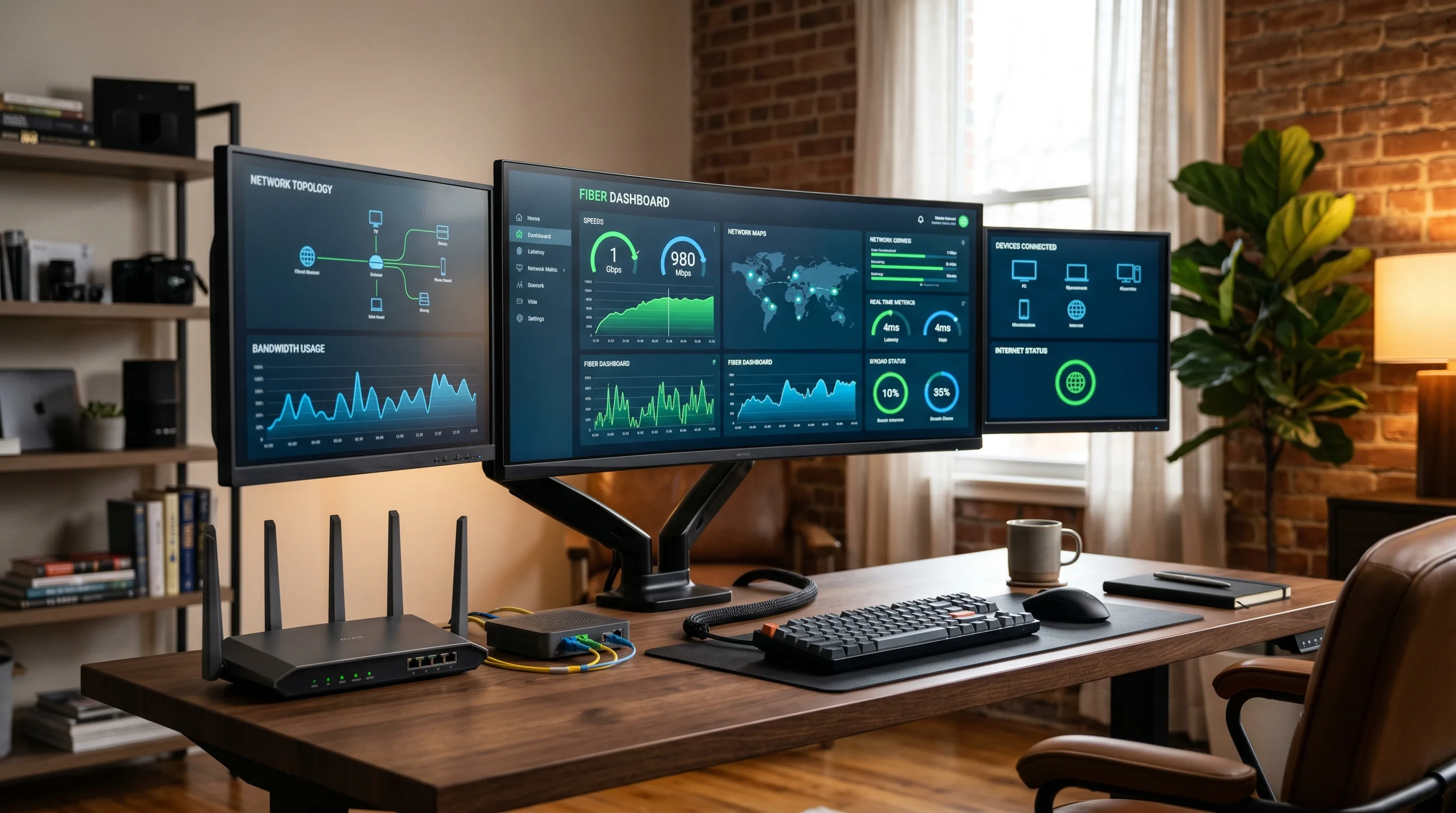
Fiber-optic internet has become the gold standard for fast, reliable connectivity. But when selecting the best fiber optic speed, many consumers struggle to understand what they truly need. Is 1 Gbps sufficient? Is it worth upgrading to 5 Gbps or more? Let's break down everything you need to know to choose the right fiber-optic speed for your household or business in 2025. For a deeper dive into the engineering side, see our companion piece on the 11 critical factors that influence fiber optic internet speed.
1. What Does “Fiber-Optic Speed” Actually Mean
Fiber-optic internet transmits data using light pulses through thin glass fibers. The result is high-speed, low-latency, and symmetrical connections.
- Speed is measured in megabits per second (Mbps) or gigabits per second (Gbps)
- Download speed refers to receiving data, such as streaming videos
- Upload speed refers to sending data, such as uploading files or video conferencing
- Latency is the delay in data transfer, important for online gaming or calls
Fiber internet is typically symmetrical, meaning upload and download speeds are the same.
2. Understanding the Different Fiber Types and Their Speeds
Different categories of fiber optic cable determine their capabilities. Here is a simplified comparison:
Fiber Type | Core Size | Common Speed | Use Case |
|---|---|---|---|
OM1 | 62.5 µm | Up to 1 Gbps | Legacy LANs |
OM3 | 50 µm | Up to 10 Gbps | Local networks |
OM4 | 50 µm | Up to 100 Gbps | Data centers |
OM5 | 50 µm | Up to 400 Gbps | Hyperscale facilities |
OS2 | 9 µm | 100 Gbps and above | Long-distance telecom |
For consumer or business installations, OM3, OM4, and OS2 are the most common. If you are comparing multimode grades in detail, our guide on how far OM4 multimode fiber can transmit walks through the distance/speed trade-offs.
3. How Fast Is Fiber Internet in 2025
Fiber plans continue to evolve. Below are some examples of current offerings:
Provider | Speed Options | Notes |
|---|---|---|
Google Fiber | Up to 8 Gbps | Limited U.S. regions |
AT&T Fiber | Up to 5 Gbps | Symmetrical download/upload |
Verizon Fios | Up to 2 Gbps | Good coverage on East Coast |
Sonic Fiber | Up to 10 Gbps | Available in parts of California |
Local ISPs | 1 to 2.5 Gbps | Varies by region |
For most homes, 1 to 2.5 Gbps provides more than enough bandwidth for typical usage.
4. What Is a Good Fiber-Optic Speed for Home Use
Here is a breakdown by common use case:
Activity | Recommended Speed |
|---|---|
Web browsing and email | 100 to 200 Mbps |
Streaming in 4K | 200 to 500 Mbps |
Online gaming | 500 Mbps to 1 Gbps |
Video conferencing | 500 Mbps and up |
Smart home with many devices | 1 Gbps minimum |
Content creation/live streaming | 2 Gbps or higher |
For a family of four with multiple connected devices, 1 to 2 Gbps is usually sufficient.
5. What Speed Do Small Businesses Actually Need
Small and mid-sized businesses benefit greatly from fiber due to its stability and scalability.
Business Size or Type | Recommended Speed |
|---|---|
1 to 5 employees | 300 Mbps to 1 Gbps |
5 to 25 employees | 1 Gbps to 2.5 Gbps |
Heavy cloud-based work | 2.5 Gbps and higher |
Creative or media agency | 5 Gbps to 10 Gbps |
Fiber is especially important for businesses using video calls, cloud storage, or VoIP systems.
6. 1 Gbps vs. 10 Gbps
While 10 Gbps sounds ideal, many consumer devices are not equipped to handle it. For example:
- Most laptops and smart TVs are limited to 1 Gbps or less
- You will need a router and switch that supports 10 Gbps
- Ethernet cables must be Cat6A or better
- Devices must have 10G network cards
Unless you are running a data-intensive home office or studio, 1 to 2.5 Gbps is more practical.
7. The Importance of Upload Speeds in 2025
Upload speed is now just as critical as download speed. This is especially true for:
- Zoom and Teams meetings
- Remote work and VPN access
- Cloud storage and backups
- Live streaming and content creation
Fiber internet offers symmetrical speeds, such as 1000 Mbps up and down, unlike cable, which often limits upload to below 100 Mbps.
8. How to Choose the Right Fiber Plan
Before signing up, consider the following:
- Count how many devices regularly connect to your network
- Consider how many users stream or work online simultaneously
- Ensure your current equipment can handle high speeds
- Prioritize symmetrical speed offerings
Always check for:
- Transparent pricing with no hidden fees
- No data caps or throttling
- Reliable customer support
If your connection underperforms after upgrading, the bottleneck is often the drop cable, splitter, or patch cords — not the plan. See what can interfere with fiber optic internet for the short list of real-world culprits.
9. Top Fiber Providers and Their Plans
Provider | Speed Options | Coverage |
|---|---|---|
Google Fiber | 1, 2, 5, 8 Gbps | Select U.S. cities |
AT&T Fiber | 1, 2, 5 Gbps | Broad availability |
Verizon Fios | 300 Mbps to 2 Gbps | East Coast regions |
Sonic Fiber | Up to 10 Gbps | California |
Ziply Fiber | 2 to 10 Gbps | Pacific Northwest |
Availability varies by location. Always check your address with the provider.
10. The Future of Fiber-Optic Speeds
Fiber networks will continue evolving. Here are a few trends:
- Multi-gigabit service in more cities
- Residential 10 Gbps becoming more common
- 100 Gbps service in enterprise environments
- Fiber as the backbone for smart homes and 5G
Future growth depends on improvements in in-home equipment and infrastructure. On the access-network side, PON deployments scale by layering fiber optic splitters between the OLT and each subscriber — a topology covered in our FTTH/FTTx solutions overview.
11. Do You Need Special Equipment for High-Speed Fiber
Yes. To get the most out of your fiber plan:
Equipment Needed | For Speeds Above 1 Gbps |
|---|---|
Router | Must support 2.5G or 10G |
Ethernet cables | Use Cat6A or Cat7 |
Network adapters | Required for 10G on PCs |
ONT or Modem | Must match plan speed |
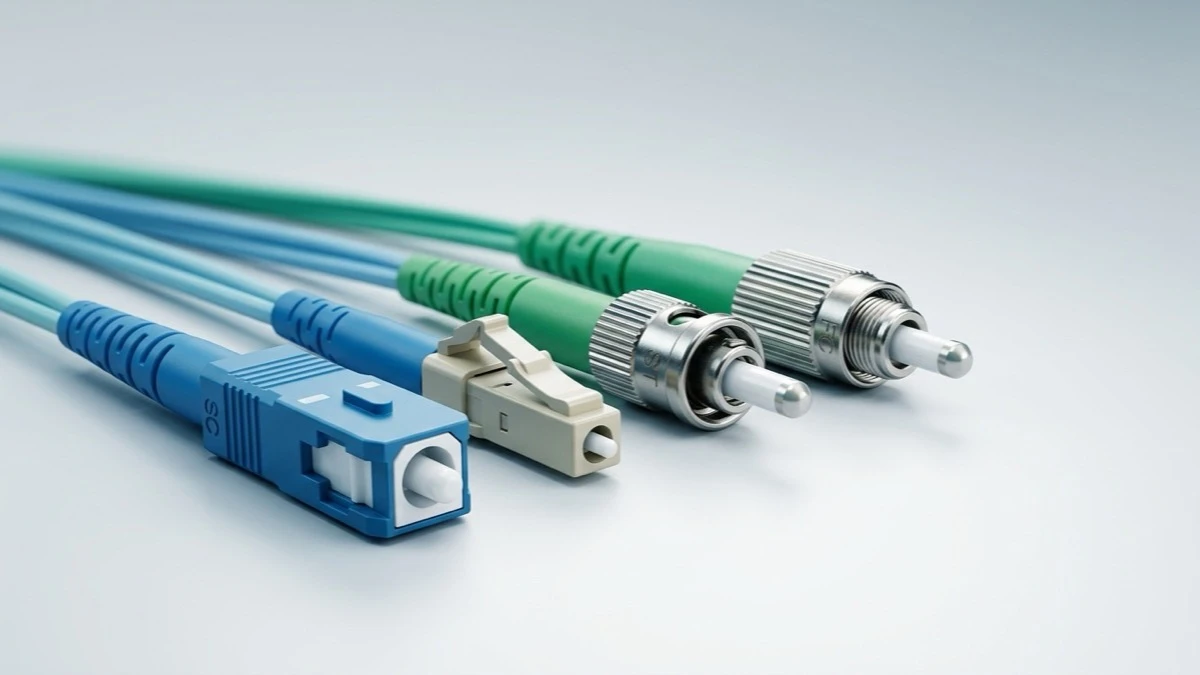
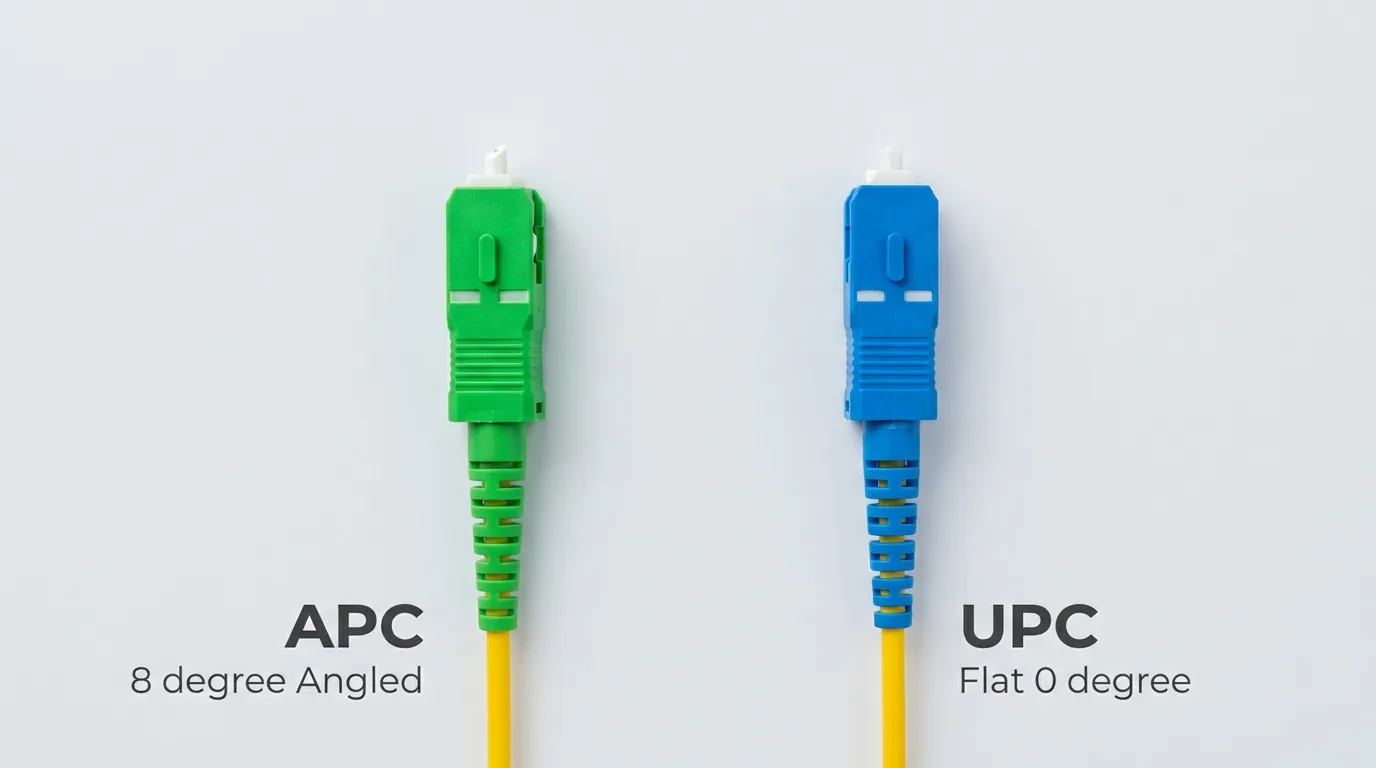
Without proper equipment, your actual speed may be much lower than advertised. For the last-meter run into the home or office, a quality FTTH drop cable and clean fiber optic patch cords are essential — a dirty LC connector can silently cost you gigabits.
12. Frequently Asked Questions
Is 1 Gbps fast enough for a family of four?
Yes, including 4K streaming, gaming, and video calls.
What devices can use 10 Gbps?
Most high-end desktops, servers, and switches with 10G Ethernet ports.
Will I benefit from upgrading to 2 Gbps or higher?
Yes, if you have many devices or run a home office with heavy usage.
Does Wi-Fi support these speeds?
Wi-Fi 6 or Wi-Fi 6E routers can support multi-gigabit speeds under ideal conditions, but wired is always more consistent.
Can I switch from cable to fiber easily?
Yes. Many ISPs will handle the transition, and the benefits are immediate.
The best fiber-optic speed depends on how you use the internet. For most homes, 1 to 2.5 Gbps offers exceptional performance. For creative professionals or small businesses, higher speeds may be necessary.
Before making a decision, evaluate your usage patterns and ensure your hardware is compatible. For high-performance fiber cabling and connectivity accessories, TTI Fiber manufactures a wide selection of quality fiber solutions — from drop cables to patch cords to PON splitters — engineered to let every gigabit you pay for actually reach your devices.